 Daytiles
How to build a reading habit
Plenty of adults who loved reading as kids now finish a book or two a year. Time isn't usually the problem. It's that reading has no set place in the day anymore. Here's how to give it one.
The short version
- Set a small daily goal, like 10 pages. It's about 15 minutes for most books.
- Keep a book with you, and read in the gaps instead of reaching for your phone.
- Read at the same time each day, tied to something you already do.
- Stop books you're not enjoying. Reading should be the thing you want to do.
Daytiles keeps track of it for you, free on iPhone, iPad and Apple Watch. Get it on the App Store.
Start with a small daily goal
"Read more" is too vague to act on. "Read 10 pages a day" is something you can do tonight. Ten pages is a short sitting, and it adds up: 10 pages a day is over 3,600 pages a year, which is roughly a dozen books of normal length.
- Pick a goal small enough that you'll hit it on a tired evening. Five or ten pages is plenty to start.
- Count pages or minutes, whichever suits what you read. Pages work for most books. Minutes are better for dense or technical reading.
- Read more when you're into it. The goal is the floor, not the limit.
Give it a time and a place
A habit needs a cue. Tie reading to something you already do every day:
- In bed, before lights out. A paper book or an e-reader with no notifications is an easy way to wind down.
- With your morning coffee, before you open the news or email.
- On the commute, if you take a train or bus. Audiobooks work for driving.
- At lunch, for the last 15 minutes of your break.
Same time, same spot, most days. A chair you only read in, or a lamp you switch on to read, helps your brain link the place with the habit.
Always have a book with you
Much of the reading people get done happens in the gaps: waiting for an appointment, a train, a kettle, a kid's practice to end. Those minutes go to the phone by default because the phone is always there.
- Carry a paperback in your bag or coat.
- Put a reading app or e-book app on your phone's first Home Screen, in the spot where a social app used to be.
- Keep a book by your bed, on the couch, and anywhere else you sit and wait.
Swap phone time for reading time
Most people have the time to read already. It's going to scrolling. You don't need to give up your phone, just trade some of it:
- Charge your phone outside the bedroom and keep a book on the nightstand instead.
- Check your phone's Screen Time to see where your minutes go. Taking even 15 of them back covers your reading goal.
- Turn on a Focus mode or Do Not Disturb while you read, so you're not pulled away.
- Make a rule: read your pages before you open social apps in the evening.
Read what you actually want to read
A book you feel you should read is the quickest way to kill a reading habit. If you dread picking it up, you'll find reasons not to.
- Quit books you don't like. Give a book 50 pages or so, then let it go if it's not working. There are more good books than you'll ever get to.
- Read for fun. Thrillers, romance, comics, fantasy, memoirs, whatever you look forward to. All of it counts.
- Have the next book ready. A gap between books can turn into weeks. Keep a short list, or a book on reserve at the library, waiting.
- Use the library. It's free, and apps like Libby let you borrow e-books and audiobooks with a library card.
Keep it going
- Read with others. A book club, a friend reading the same book, or sharing what you're reading keeps you coming back.
- Keep a list. Write down every book you finish. Watching the list grow is its own reward.
- Skip the guilt. Missed a few days? Read a page tonight. One page restarts the habit.
Set it up in Daytiles
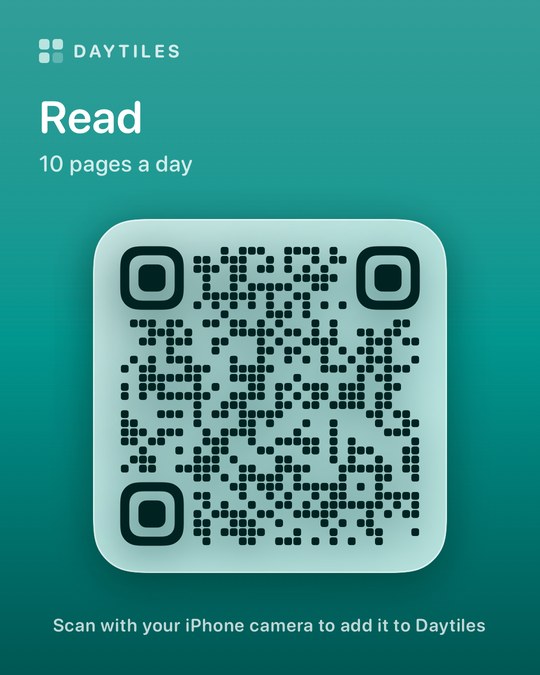
Daytiles has a ready-made Read habit: 10 pages a day, one page per tap.
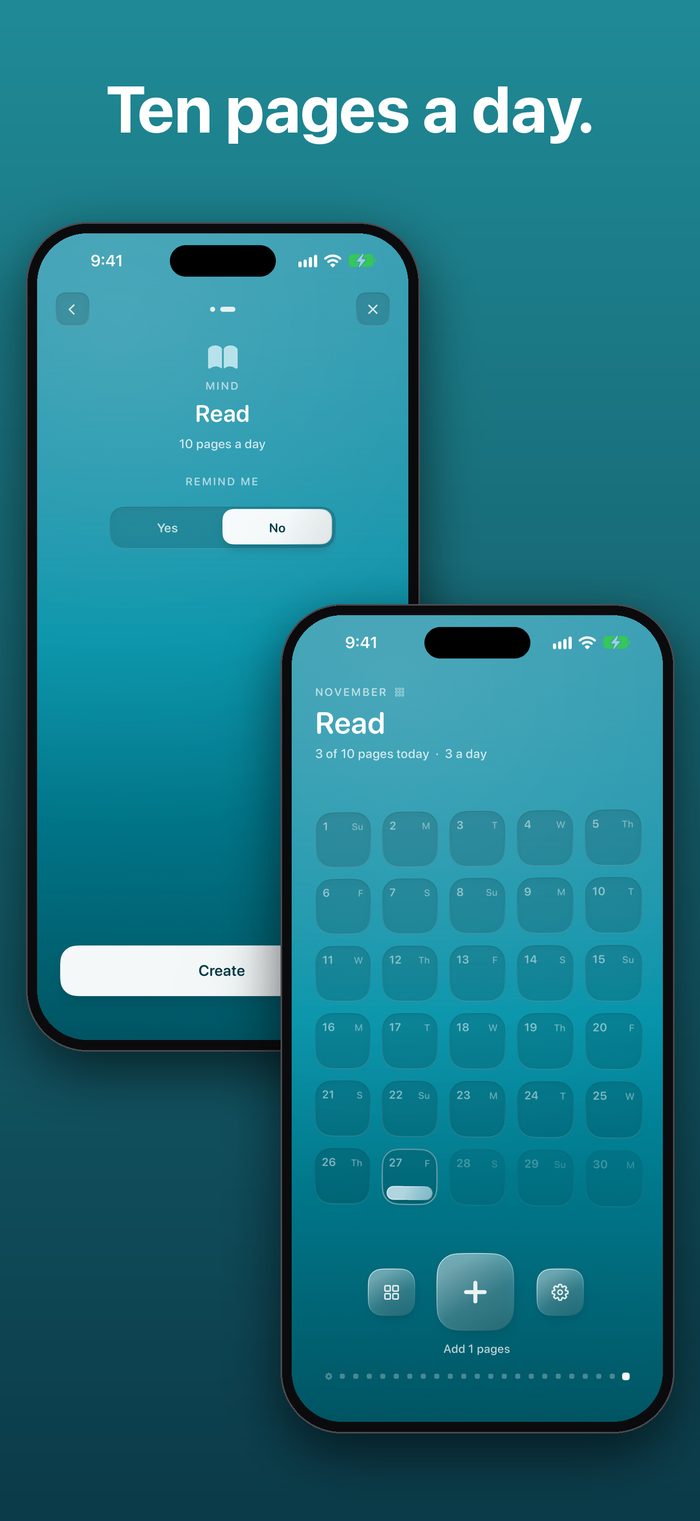
- Tap + on home to make a new habit.
- Under Mind, tap Read.
- Under REMIND ME, choose Yes, then the morning or evening, and set it for your reading time Pro.
- Tap Create.
Each day's tile fills as you add pages and is done at 10.
- Read a chapter in one go? Touch and hold + for a keypad and type the pages you read. That's quicker than tapping 23 times.
- Add one page. Tap + to add a page at a time.
- Forgot a day? Tap a past day to set how many pages you read.
- Change the goal. Tap the gear and change DAILY GOAL or EACH TAP. Set each tap to 5 if you'd rather tap less, or count in minutes instead of pages under UNIT.
You can log pages without opening the app. Tap the Read tile on the Today widget or your Apple Watch to add a page, or say "Add to Read in Daytiles" to Siri. Pinch in on the month to see your year, with your days done and your best run.
Sources
Updated November 3, 2026. Daytiles is made by Jason, one person. Tell me if something here is wrong.