 Daytiles
How to start journaling
Journaling sounds like it needs a fancy notebook and an hour of deep thought. It doesn't. A line or two a day is enough to start, and enough to look back on later. Here's how to begin and keep going.
The short version
- Start with one line a day. You can always write more.
- Use a prompt when you don't know what to write.
- Write at the same time each day, tied to something you already do.
- There are no rules. Messy, short, bullet points, all fine.
Daytiles keeps track of it for you, free on iPhone, iPad and Apple Watch. Get it on the App Store.
There are no rules
The biggest thing stopping most beginners is the idea that there's a right way to journal. There isn't. A journal can be full pages of feelings, a list of what you ate, three bullet points, a sketch, or one sentence about the weather. It's for you, and nobody grades it.
- Spelling, grammar and neat handwriting don't matter.
- You don't have to write about deep things. Ordinary days are worth writing down too.
- Paper, a notes app, a journaling app, voice memos: use whatever you'll actually open.
Start with one line a day
The easiest way to make journaling stick is to make the daily goal tiny. One line. What happened, how you felt, one thing you noticed.
- A single line takes under a minute, so even your worst day has room for it.
- Most days, once you start, you'll write more. But you don't have to.
- Over a year, one line a day gives you 365 small snapshots. Reading back over them is surprisingly good.
- Some people use a five-year journal: a few lines a day, with the same date from each year on one page.
Use prompts when you're stuck
A blank page is hard. A question is easy. Keep a few prompts handy and pick one when nothing comes:
- What's one thing that happened today?
- What's on my mind right now?
- What went well, and what would I do differently?
- What am I grateful for today? Three small things.
- How did I feel today, and why?
- What made me laugh?
- What do I want to remember about today?
- What's one thing I'm looking forward to tomorrow?
You can use the same prompt every day. "One thing that happened" is enough for years of entries.
Pick a time and a cue
Journaling gets skipped when it floats around the day with no fixed spot. Tie it to something you already do:
- Before bed, to look back on the day. Keep the journal on your nightstand with a pen.
- With morning coffee, to clear your head and plan the day. Some people write a few pages first thing.
- At the end of the workday, to close it out before you switch to home.
Keep the journal where you'll see it at that time. If it's in a drawer, it stays in the drawer.
Try a style
If free writing doesn't suit you, try one of these:
- Gratitude journal: three things you're grateful for each day.
- Bullet journal: short lists of tasks, events and notes.
- Morning pages: three pages of whatever comes to mind, first thing.
- A photo a day: one picture and a line about it.
- A done list: what you got done today, however small.
Keep it going
- Missed a few days? Don't catch up. Start with today.
- Keep it private. Knowing nobody will read it makes it easier to be honest.
- Look back sometimes. Reading entries from a month or a year ago shows you how much changes, and makes the habit feel worth it.
Writing things down can help you sort through hard feelings, but it's not a replacement for support. If you're struggling, talk to someone you trust or a doctor. In the US, you can call or text 988 any time.
Set it up in Daytiles
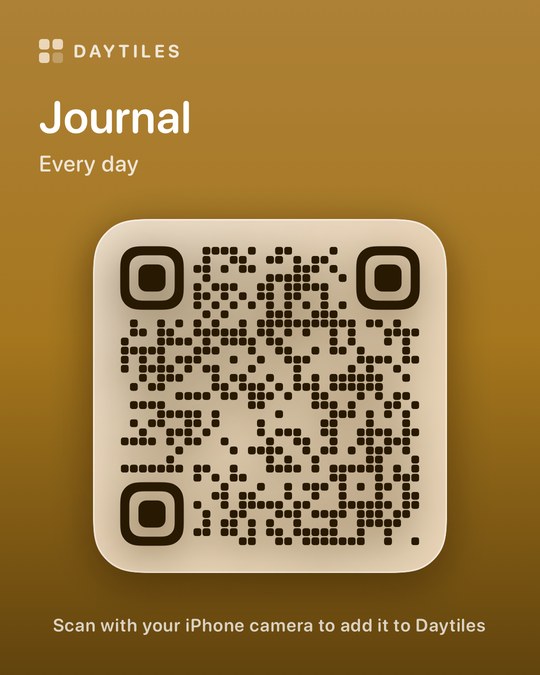
Daytiles has a ready-made Journal habit. It's once a day: write, then check it off.
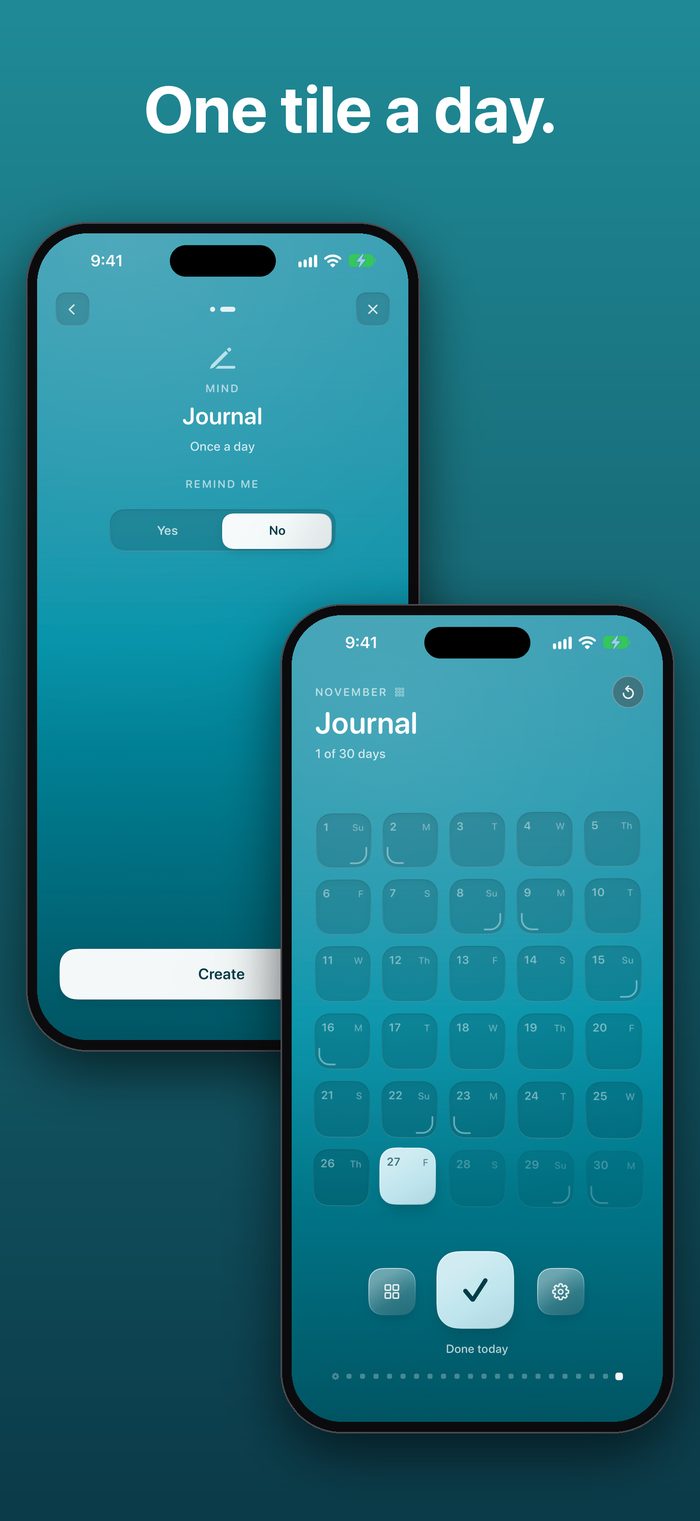
- Tap + on home to make a new habit.
- Under Mind, tap Journal.
- Under REMIND ME, choose Yes, then the morning or evening, and set it for your writing time Pro.
- Tap Create.
Each day, tap the big button under the month once you've written. Each done day lights a tile.
- Keep a memory with a day. Touch and hold a done day to keep a photo and a few words with it Pro. On days you don't feel like the notebook, that can be your one line.
- Look back. Spread two fingers on the month to look back over your done days and the memories kept with them. Pinch to go back.
- Forgot to check it off? Tap a past day to check it off or clear it.
- Need a day off? Touch and hold today's button to skip today. A skipped day doesn't break your streak.
Check it off from the Today widget, or say "Check off Journal in Daytiles" to Siri. Pinch in on the month to see your year, with days done and your best run.
Sources
Updated November 3, 2026. Daytiles is made by Jason, one person. Tell me if something here is wrong.