 Daytiles
A habit tracker for iPhone
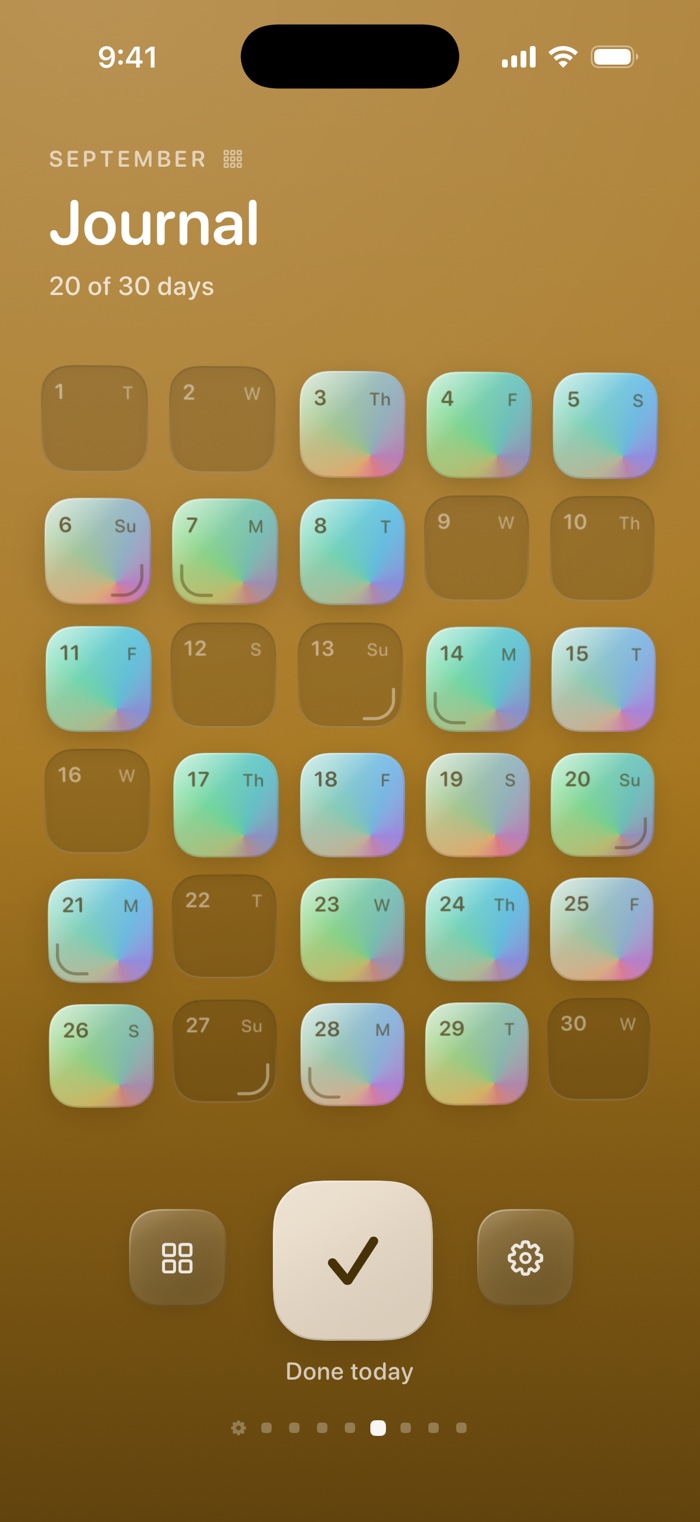
One tile a day.
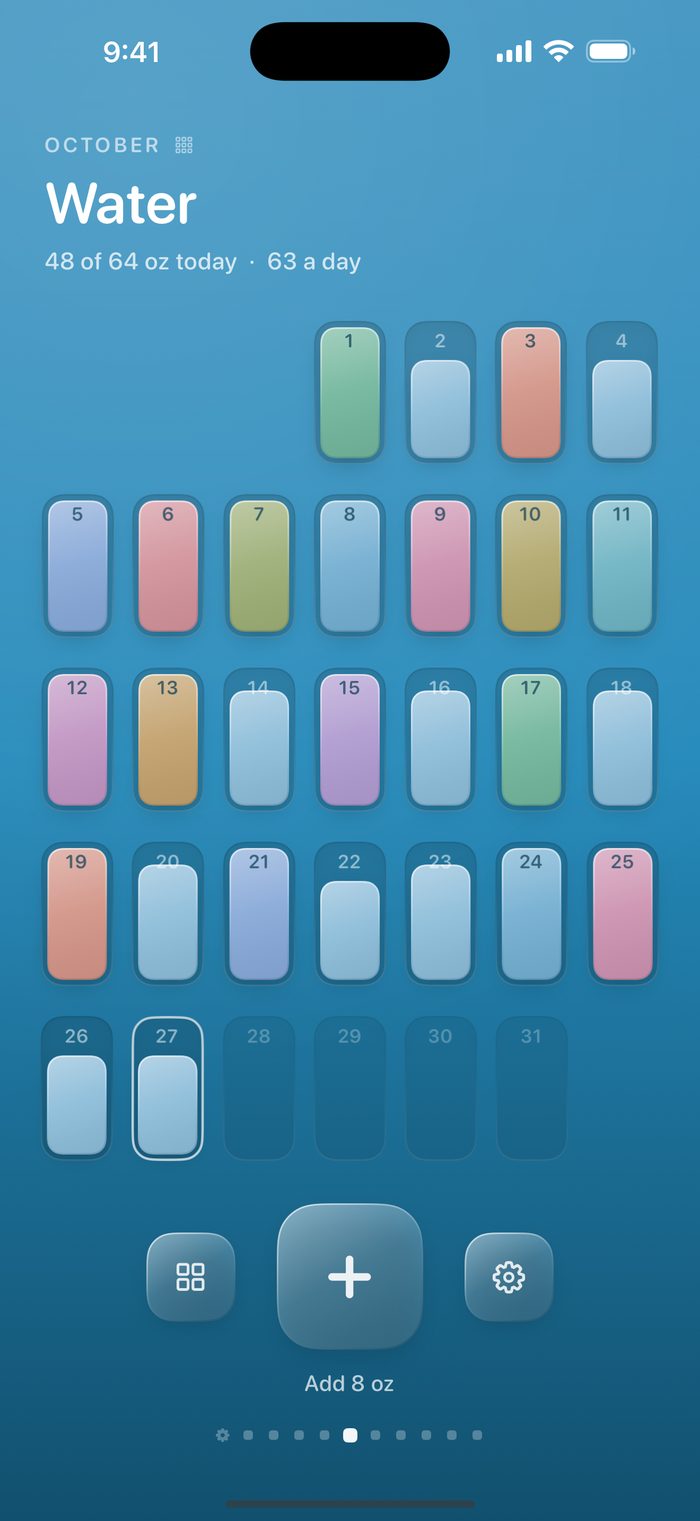
Daytiles turns each habit into a month of glass tiles. Every day you show up, a tile lights up, and the month fills in as you go. On your iPhone and Apple Watch, with no account and nothing collected.
COMING SOON TO THEApp Store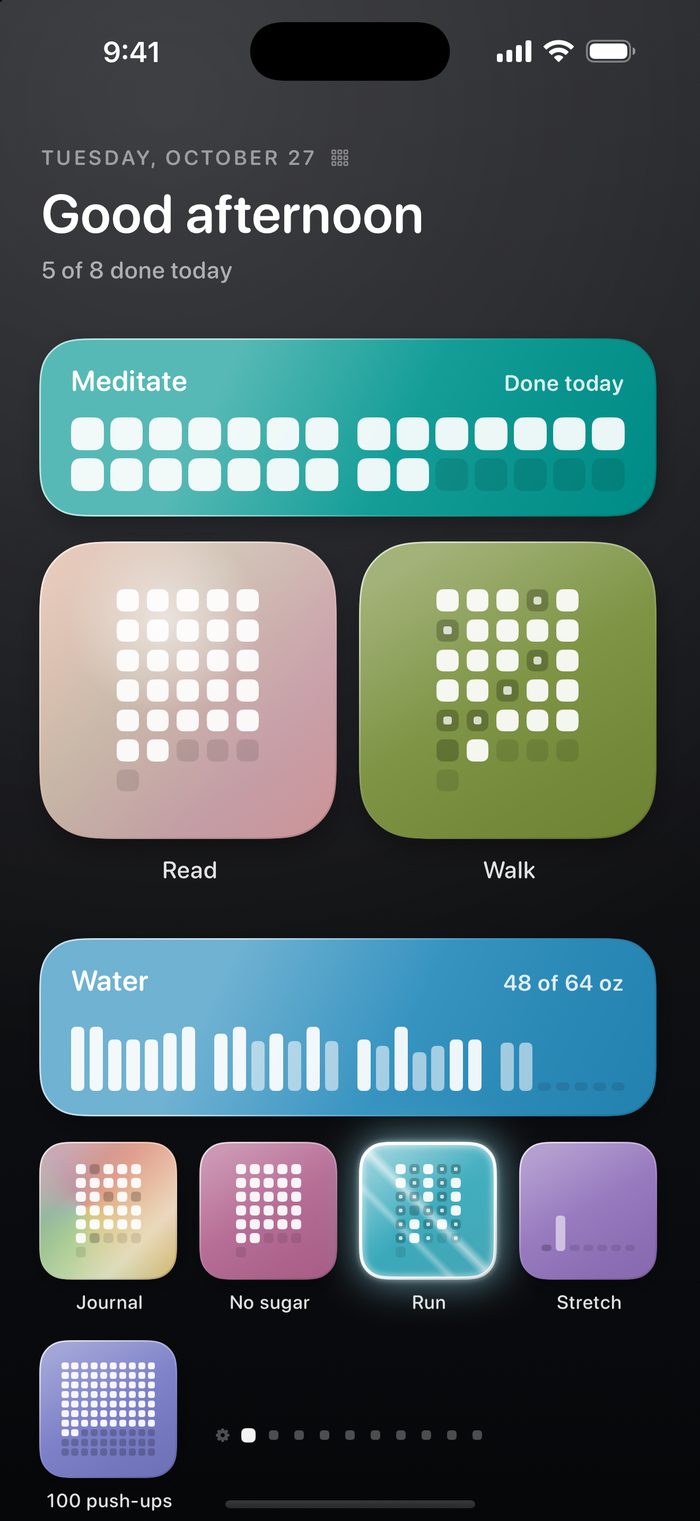
Small, and made to be touched
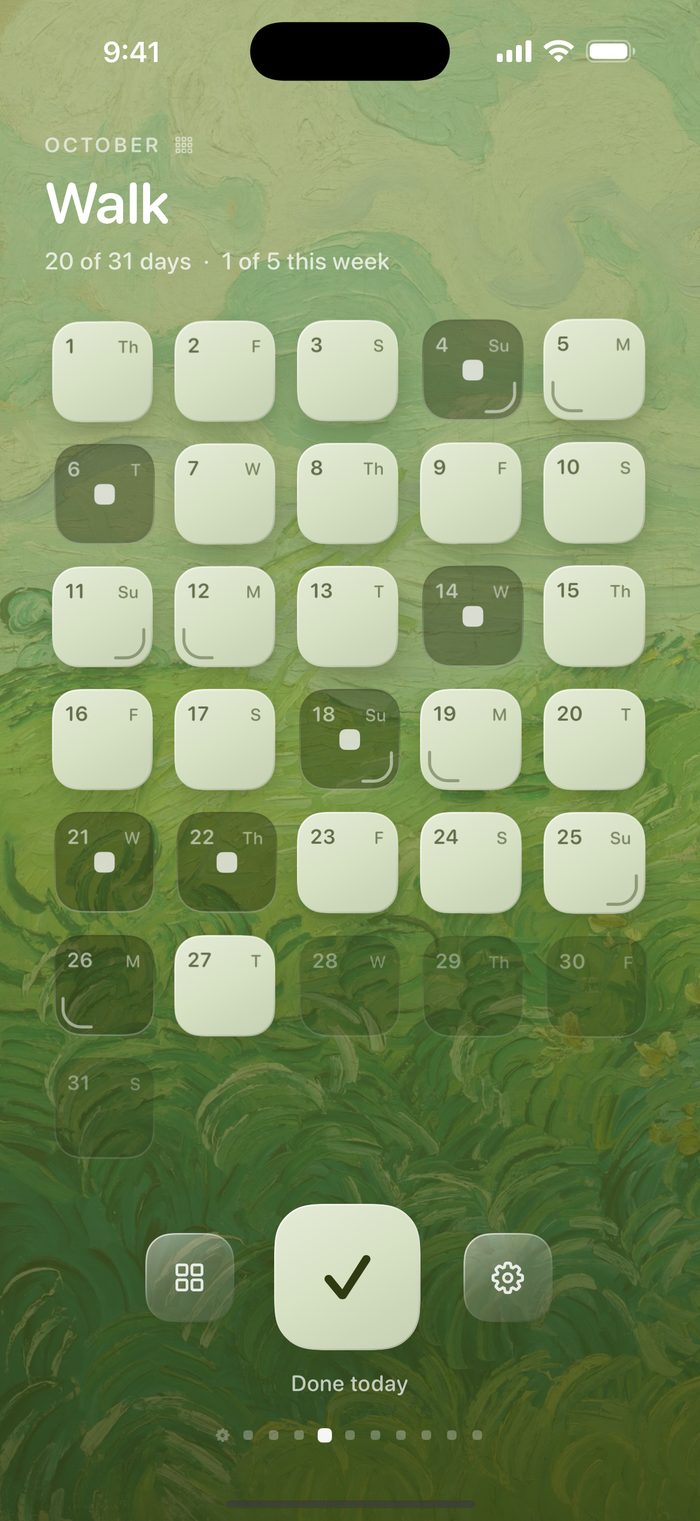
No streak anxiety, no clutter. A page per habit, a tile per day, and glass that catches the light as you tilt your phone.
A page for every habit
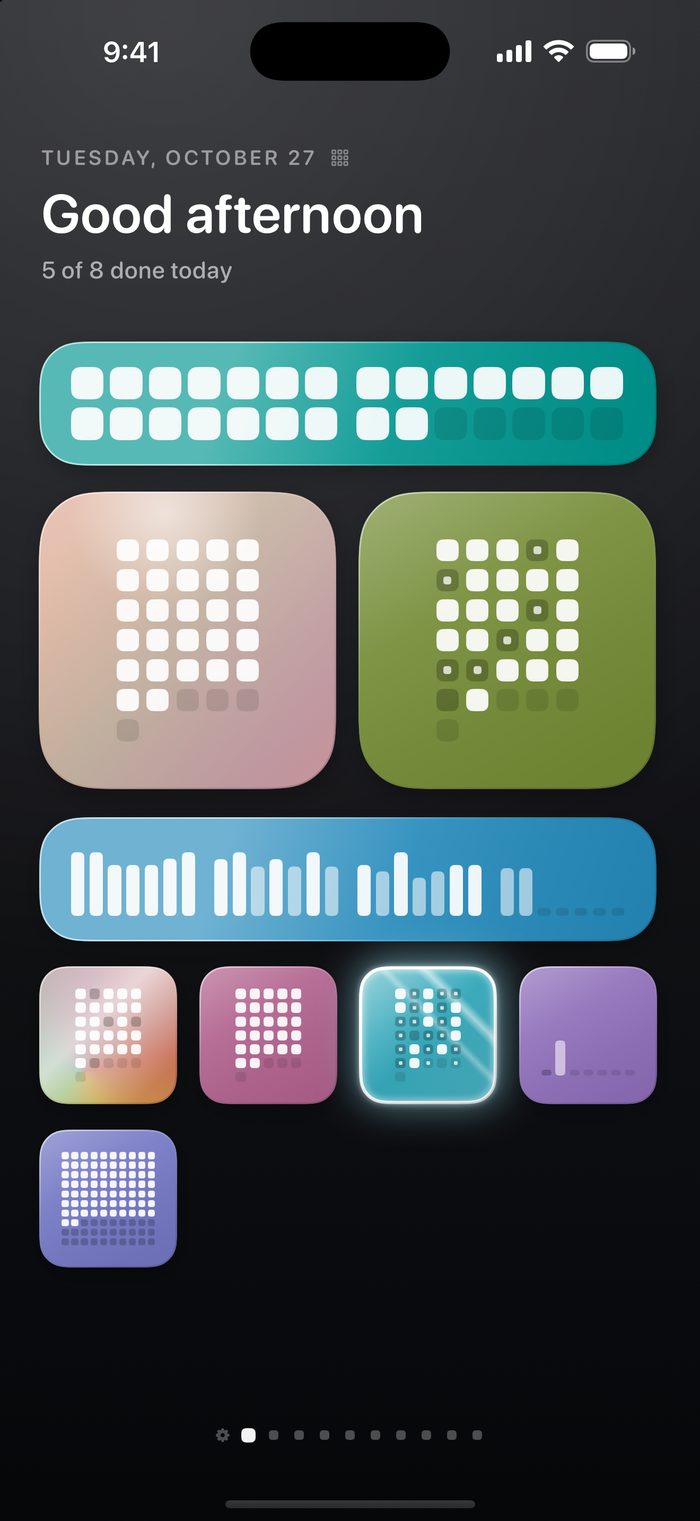
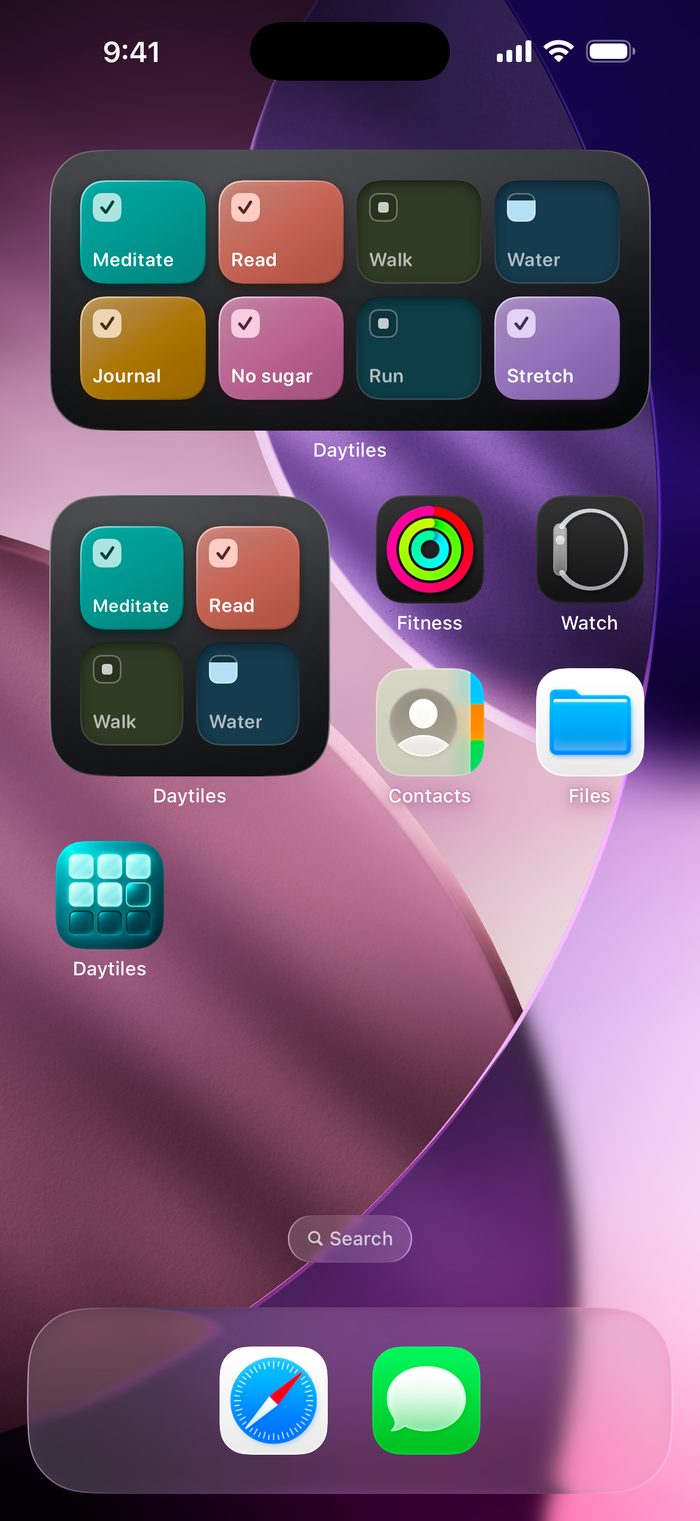
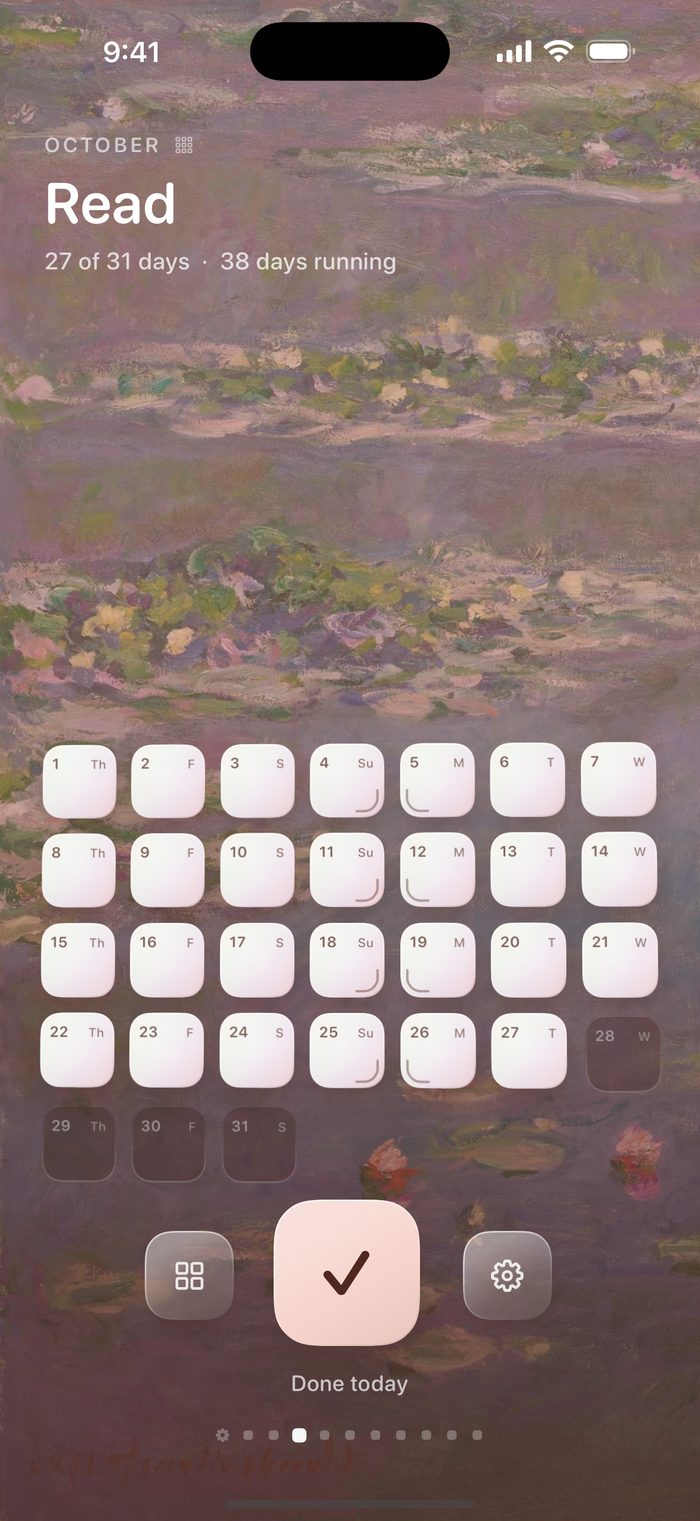
Swipe between your habits. Tap today's tile when it's done. Ask for so many days a week, set weekdays, or every few days, and the days off never count against you. Arrange home your way: wide, large or small tiles, with or without names.
Count anything
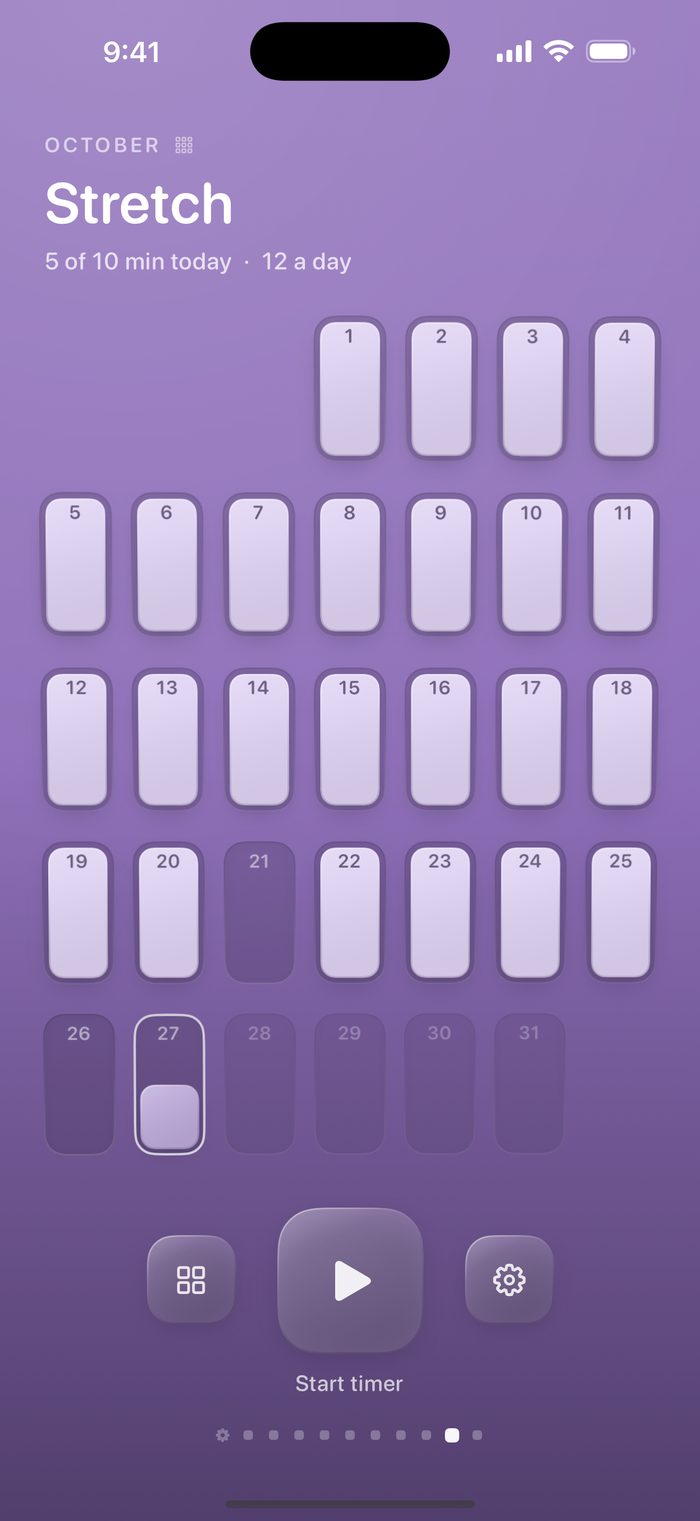
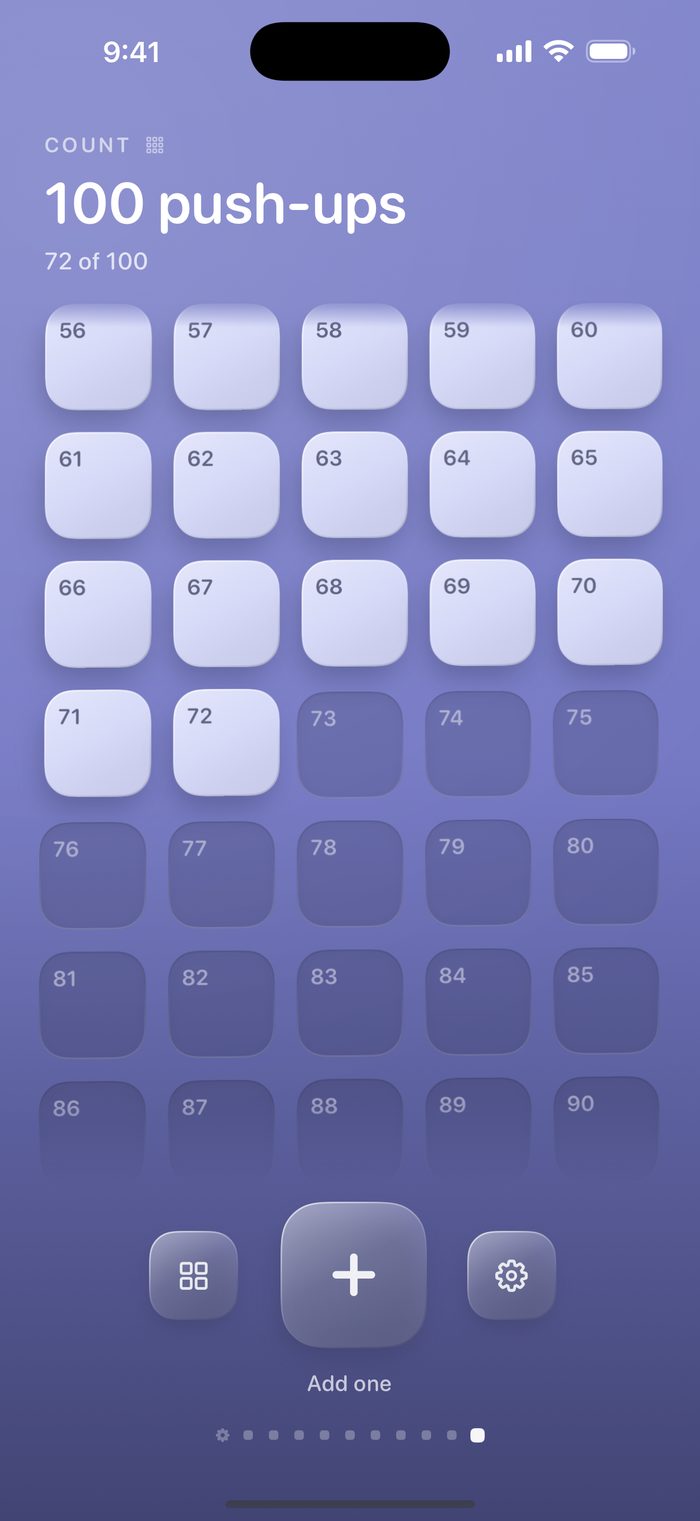
Track how much as well as whether: ounces, pages, miles. Time a meditation or a stretch, with a Live Activity on your Lock Screen. Or give a habit a hundred squares and fill them at your own pace.
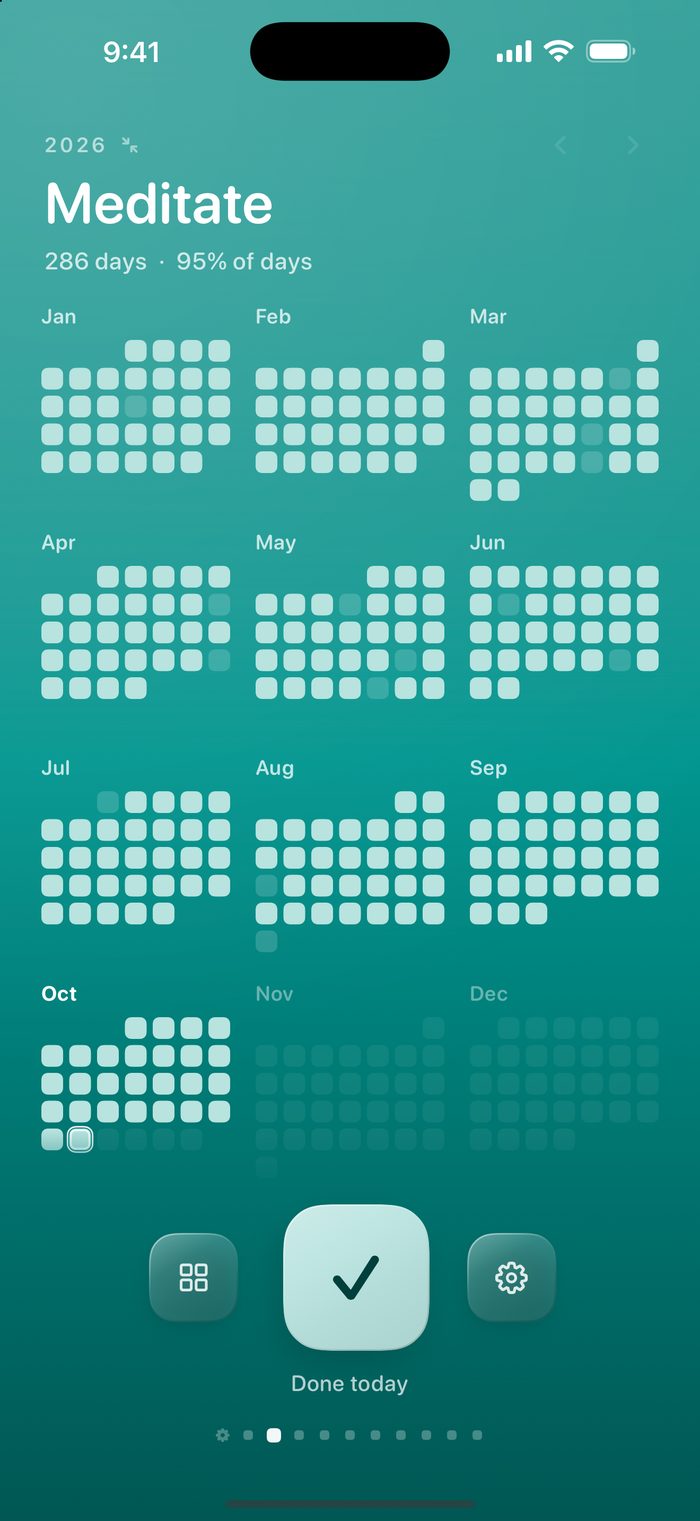
Your year at a glance
Swipe up and down through past months. Pinch out to see the whole year, with your streaks, best runs and strongest days.
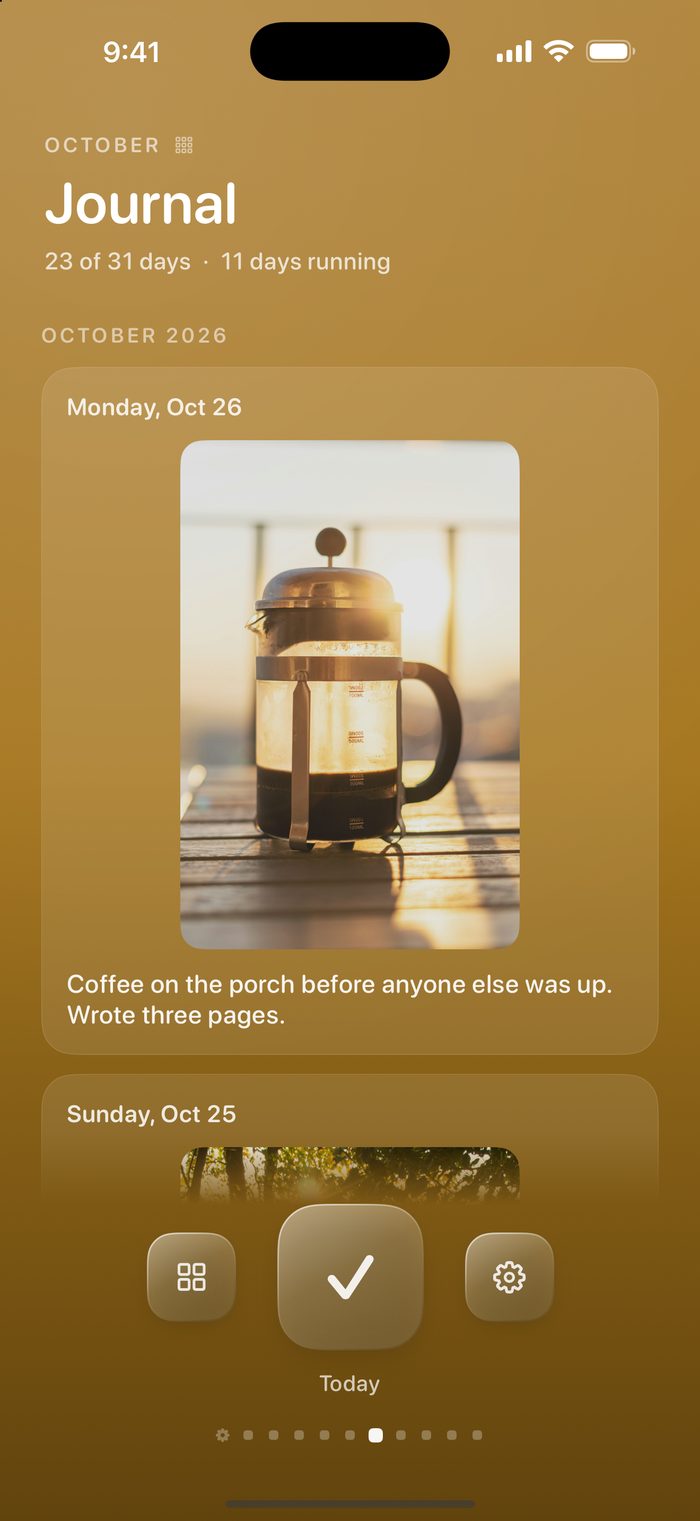
A journal for your best days Pro
Hold a day you did to keep a photo and a few words with it. Spread your fingers on the month to look back over every memory, one habit at a time.
Gentle reminders
A reminder in the morning, the evening, or both, for whatever's still left to do. It stays quiet on days you've already done everything.
Widgets and Apple Watch
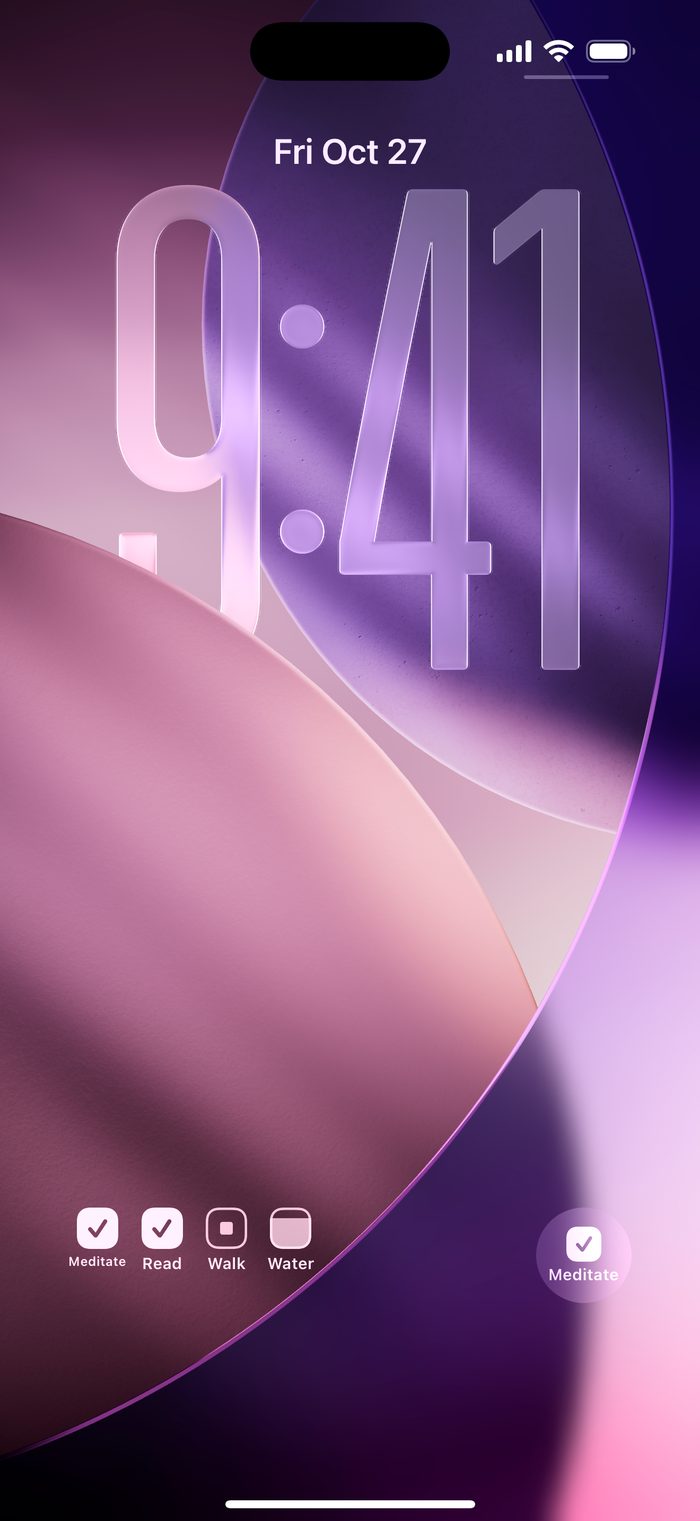
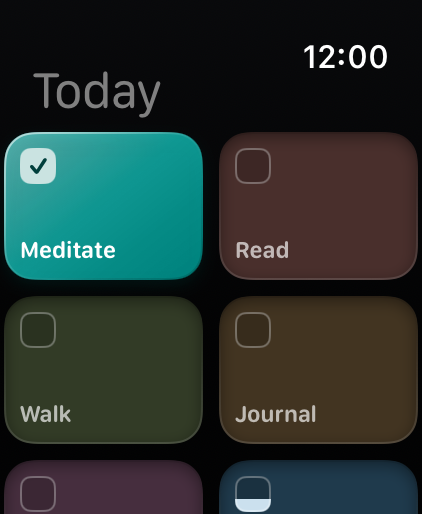
Tap a tile on your Home Screen or Lock Screen to check a habit off without opening the app. With iCloud sync on, today's habits are on your Apple Watch too, and on your watch face as a complication.
Quit something
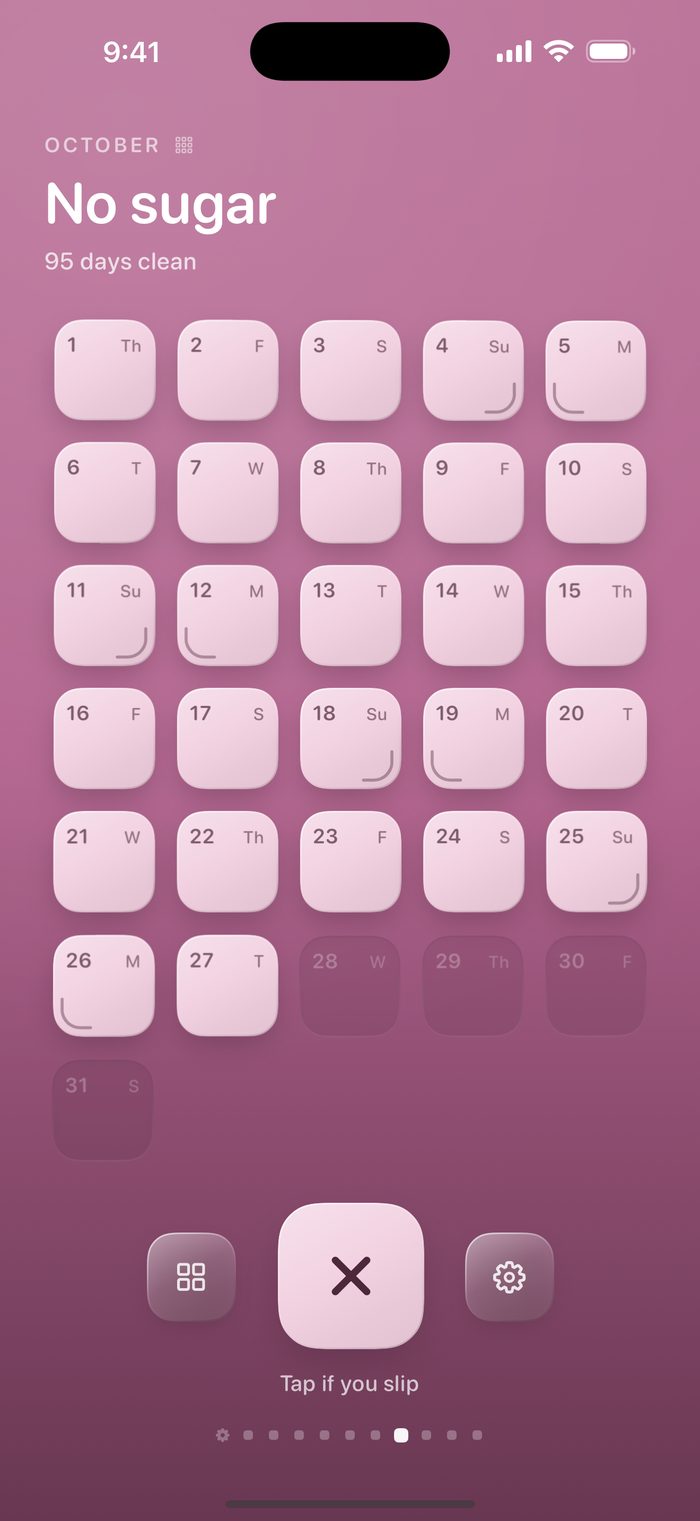
For a habit you're breaking, every day counts as clean until you log a slip, and the streak shows how long it's been.
Take a break
Skip a rest day for one habit, or going away? Pause every habit at once, with or without an end date. Skipped and paused days don't count against streaks, weekly goals or your year, and no reminders come.
Siri, Shortcuts and Control Center
Say "Log Water in Daytiles" or "Check off Read in Daytiles". Add to a habit, mark one done or create a new one from Shortcuts, or put a habit's button in Control Center.
Private by design
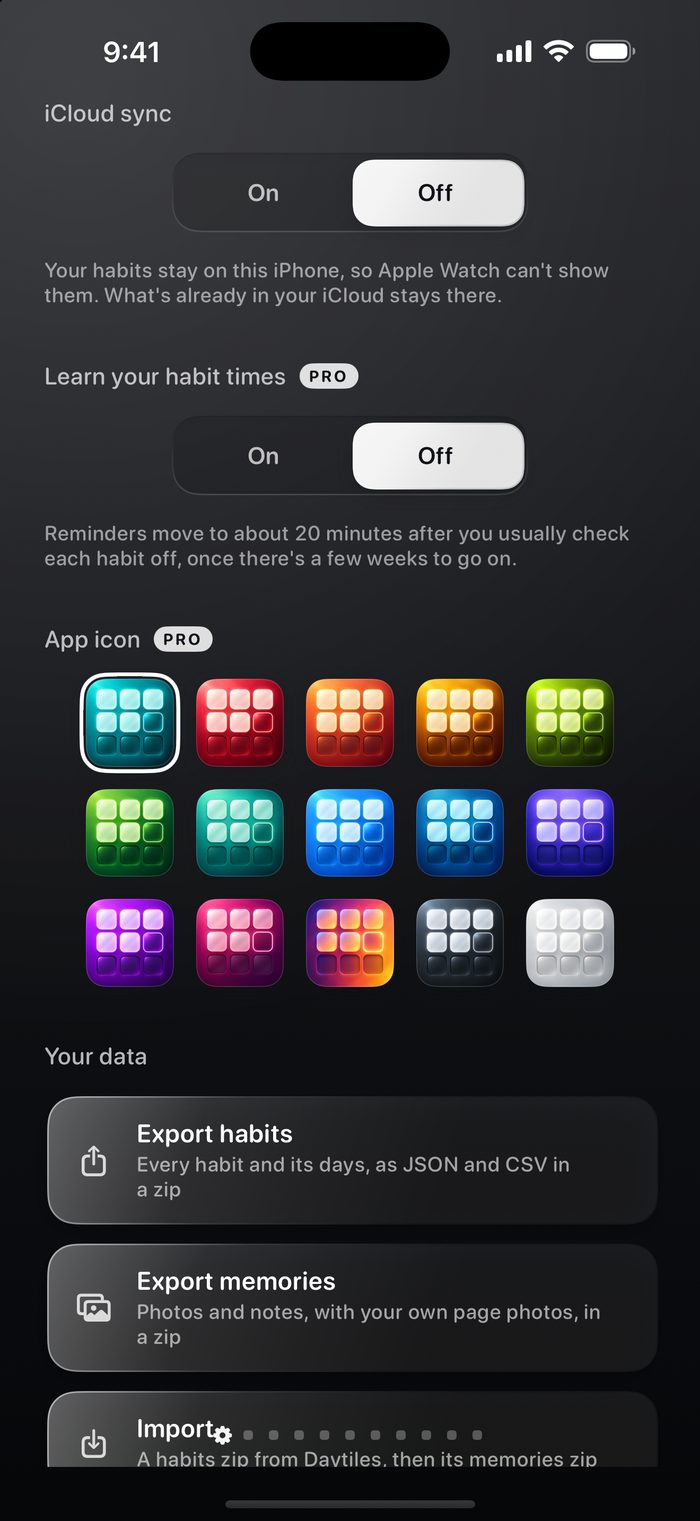
No account to make and no tracking. Your habits stay on your iPhone unless you turn on iCloud sync, which keeps them in step with your Apple Watch through your own iCloud. We never see them. Exporting everything as JSON and CSV, and importing it again, is free, and the format is published so you can bring your history over from another app. Read the privacy policy.
See it
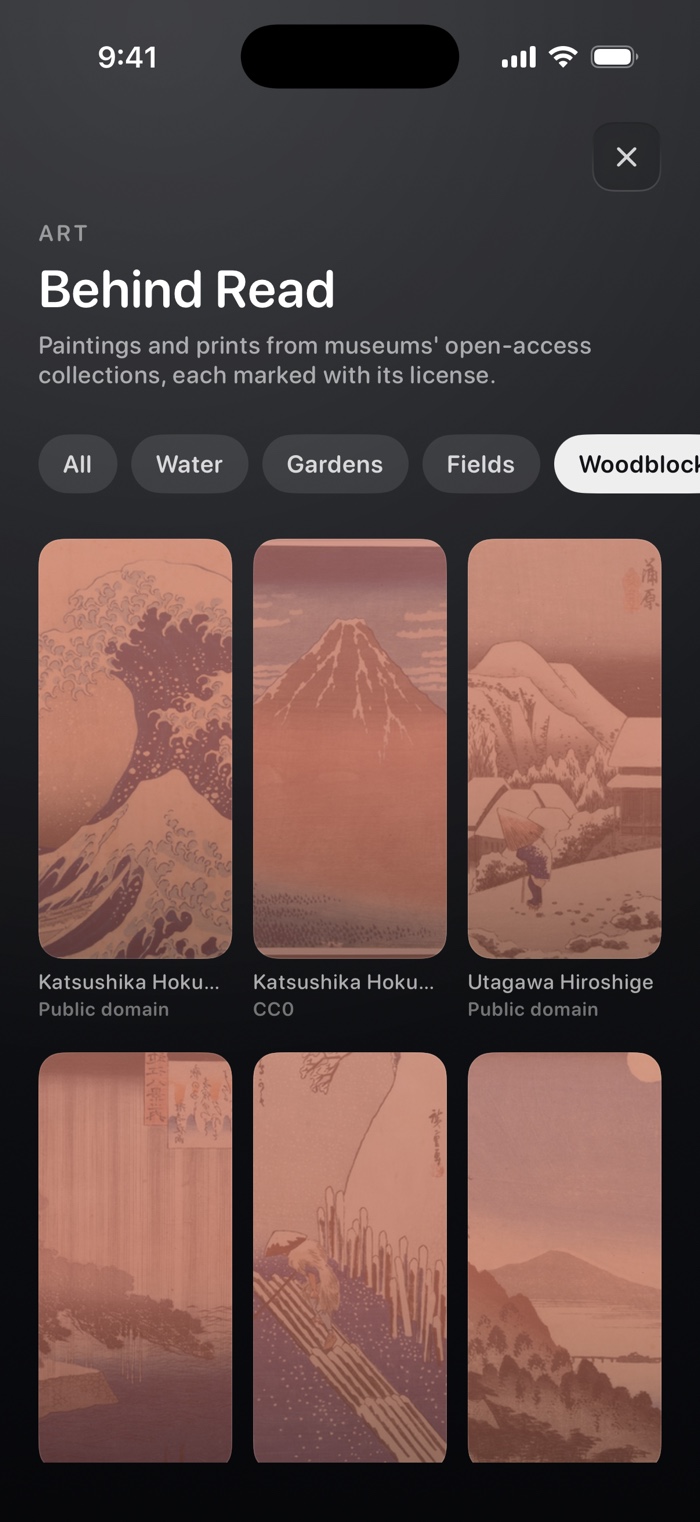
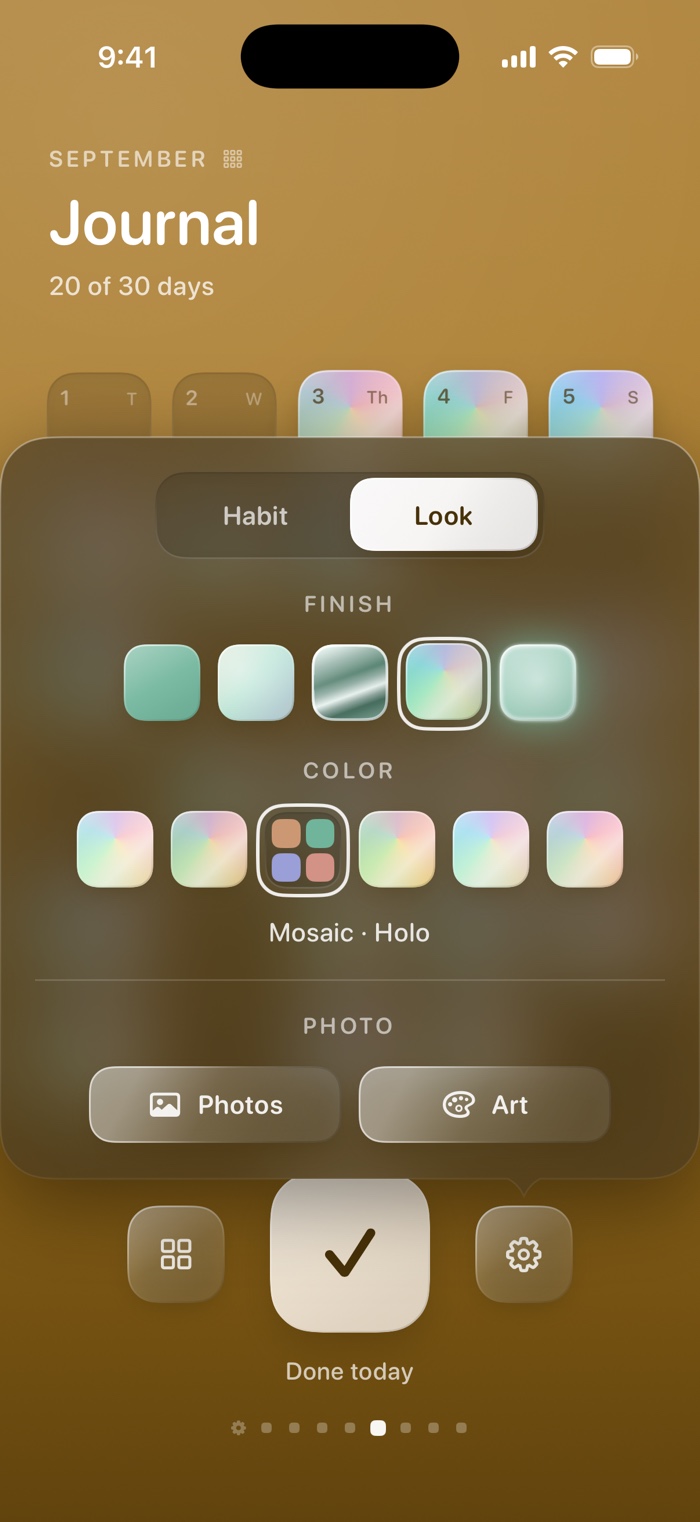
Every habit gets its own page, its own color and, with Pro, its own painting or photo.
Daytiles Pro
Make every day shine
Daytiles is free for up to three habits. Pro unlocks the rest, monthly, yearly or once for good.
- Unlimited habits. As many as you like.
- Shiny tiles. Pearl, chrome, holo, glow and neon finishes, in vivid, mosaic, gold, silver or rose.
- Photo backgrounds. Your own picture, or one of 66 paintings and prints from museum collections, behind a habit and tinted to match.
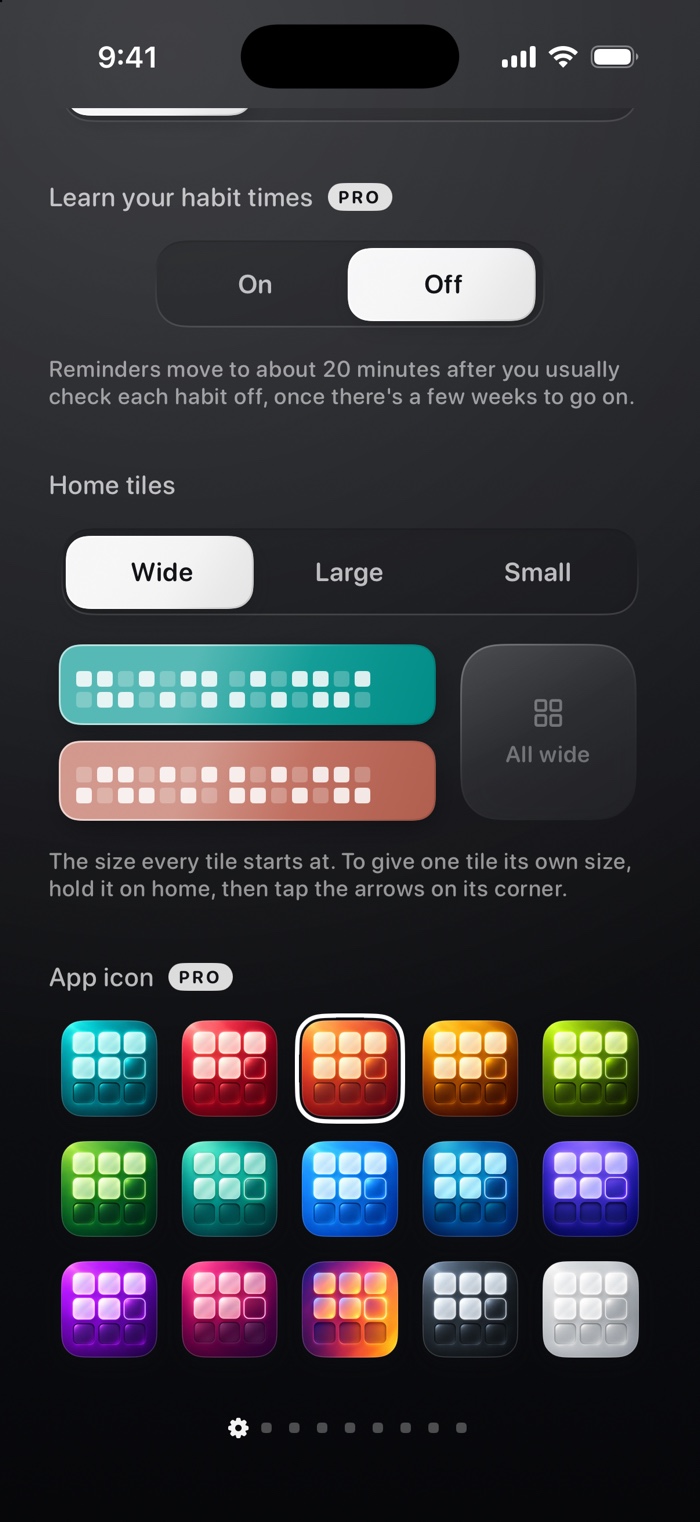
- Tiles your size. Make any habit small, large or wide on home.
- Memories. Hold a day you did to keep a photo and a few words with it, then spread your fingers on the month to look back over them all.
- App icons. Fourteen more colors for your home screen icon.
- Apple Health. Link a habit to Water, Mindful Minutes, Steps, Workouts and more. Daytiles writes your check-offs to Health and counts what other apps log there.
- Timers. Time a habit counted in minutes, with a Live Activity that counts down what's left of the day's goal.
- Smarter reminders. Give each habit its own reminder times, up to two extra a day, or turn one off for just that habit, and let times be learned from when you usually check in.
Support
Questions, ideas or something not working right? Daytiles is made by one person, me, and I'm happy to help. Email jasonlotito@gmail.com, or see the support page for restoring Pro, canceling a subscription and other quick answers.