 Daytiles
How to quit social media
You can quit social media for good or take a break for a month and see how it feels. Either way, the hard part is the first couple of weeks, when your thumb keeps going to an app that isn't there.
The short version
- Choose: a break with an end date, or quitting for good. A month is a good first try.
- Delete the apps and log out everywhere. Save what you want to keep first.
- Tell people how to reach you, so you don't feel cut off.
- Plan what fills the gaps: waiting, breaks, the last half hour before bed.
Daytiles keeps track of it for you, free on iPhone, iPad and Apple Watch. Get it on the App Store.
A break or for good
Decide what you're doing before you start, because "I'll use it less" tends to drift back to where it was.
- A break. Pick a length, like 30 days, and an end date. It's easier to commit to, and at the end you decide with a clear head whether to go back, go back to less, or stay off.
- For good. Delete the accounts, or at least the apps, and don't plan a return.
- Some of it. Quit the apps that make you feel worst and keep one you use for something specific, like a group for your neighborhood or messages with family. Write down which ones count, so there's no arguing with yourself later.
Also write down why. Time back, sleep, focus, comparing yourself less, worrying less about the news. It helps on the days you miss it.
Before you go
- Save what matters. Most apps let you download your photos and posts from their settings. Do it now if you might delete your account.
- Tell people. Post once that you're taking a break, and say how to reach you: text, email, a phone call. Friends who matter will use it.
- Move the useful parts elsewhere. Events, groups, a marketplace, news. Find another way to get the few things you actually need, so you don't have an excuse to log back in.
- Turn off email notifications. Many apps send "you have new notifications" emails to pull you back.
Make it hard to go back
Your habit is in your thumbs as much as your head. The first weeks you'll reach for the app without thinking. Make sure it isn't there.
- Delete the apps from the phone, so there's nothing to tap.
- Log out everywhere. Your phone's browser, your laptop, your tablet. Forget the saved password if you can.
- Deactivate if you're on a break. Many platforms let you deactivate or pause your account, which hides it until you come back.
- Use Screen Time as a backstop. On iPhone, in Settings, tap Screen Time, then Time Allowances, and keep the Social Media category very low. If you check it in a browser, the allowance covers websites an app declares too.
Fill the time
Social media fills gaps all day: in line, on breaks, on the couch, in bed. If you only take it away, you'll feel bored and restless, and boredom is what pulls people back. Decide what goes in each gap:
- Short gaps, like waiting in line: look around, put on a podcast, or message one friend directly.
- Breaks at work: get up and walk, or talk to someone.
- Evenings: a book, a game, a hobby you used to have, cooking, calling people.
- Bed: charge the phone outside the bedroom. The Sleep Foundation suggests parking your devices outside the bedroom overnight and avoiding screens for an hour before bed.
Keep up with people on purpose. One downside of quitting is missing news from friends, so text them, call them, and make plans. That's usually better than the feed anyway.
The first couple of weeks
Expect to feel out of the loop for a while, and to reach for your phone a lot. That fades as the habit loosens. Many people notice they have more time in the evenings, and that the urge to check comes less often. If you have a hard day, don't reinstall the app to take the edge off. Wait until tomorrow, when you can decide calmly.
If you slip
Logged in and lost half an hour? That's normal, especially early on. Log out again, delete the app if you reinstalled it, and notice what led you there: boredom, a notification email, a friend sending a link. Then carry on. A slip doesn't undo the days you've done.
When your break ends, take a minute before you go back. What did you miss? What didn't you? Then choose on purpose.
Set it up in Daytiles
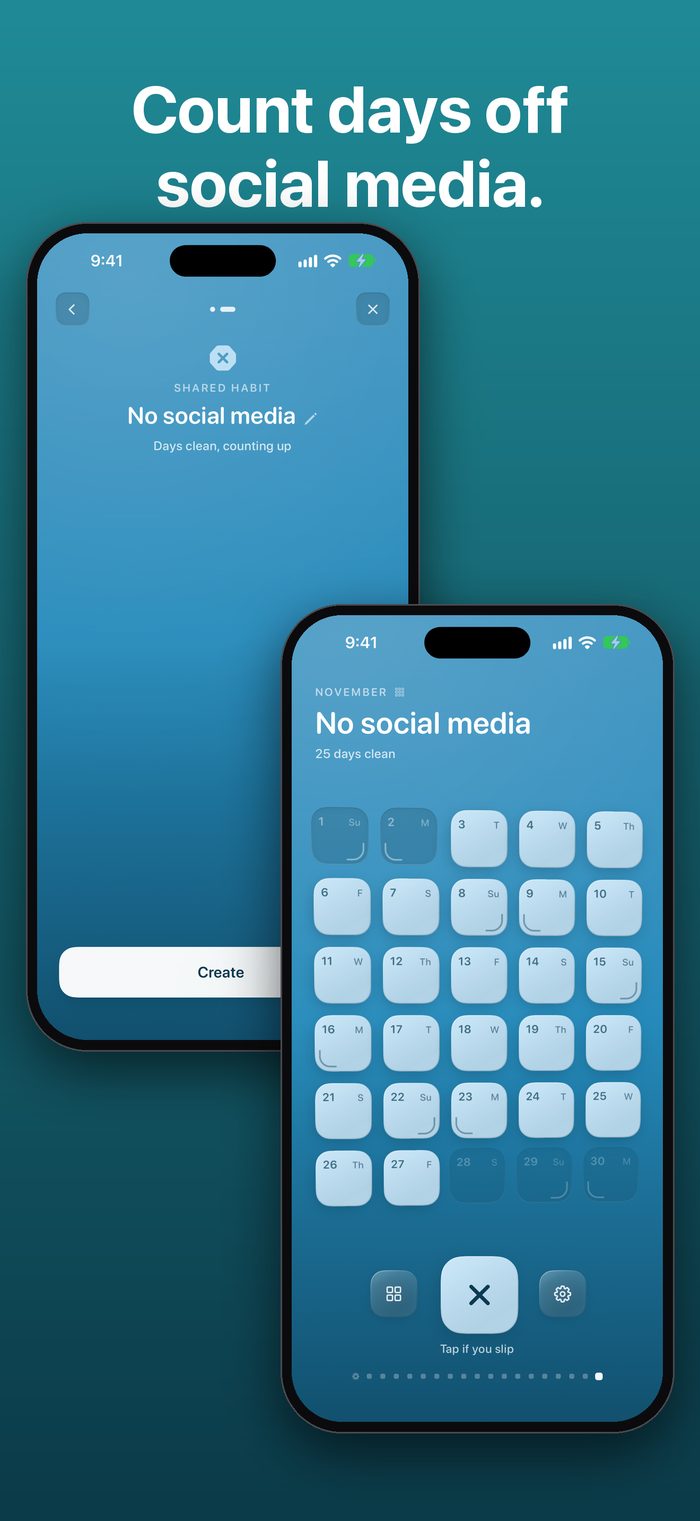
Daytiles can count your days off social media for you. There's nothing to check off. Every day counts as clean until you log a slip.
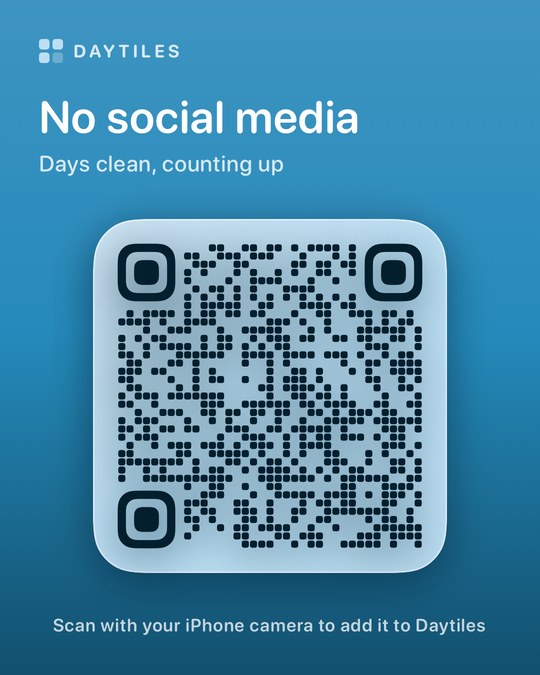
The quickest way is the code on this page. Scan it with your iPhone camera (or tap it on an iPhone) and Daytiles opens with No social media set up, ready to add.
- Tap + on home to make a new habit, then tap Make your own.
- For "What do you want to do?", type No social media.
- For "What's the goal?", choose Trying to quit.
- Pick a color you like.
- When it asks about reminders, tap No. Quit habits don't send any.
- Tap Create.
Its page says how many days clean you are, and each clean day lights a tile.
- If you slip, tap the button under the month (it says "Tap if you slip"), or tap the day it happened. The count starts again the next day. Tap again to take it back.
- A break has a finish line. The 30-day milestone gets a celebration, and so do a week, two weeks and three weeks along the way, and a whole month.
- Your record stays. Pinch in on the month to see your year: clean days, the share of days clean, and your longest clean run.
- No notifications. Quit habits don't send reminders, so Daytiles won't give you a reason to pick up the phone. Widgets and the Apple Watch show your count but never log a slip by accident.
Filling the time with something else, like reading or a walk? Make a habit for that too. Daytiles is free for up to three habits, and Pro makes room for as many as you like.
Sources
Updated November 3, 2026. Daytiles is made by Jason, one person. Tell me if something here is wrong.