 Daytiles
How to stop doom scrolling
Doom scrolling is easy to start and hard to stop, because there's always one more post. The fix is mostly about making the phone less handy and less tempting, especially in bed.
The short version
- Charge your phone outside the bedroom and use a cheap alarm clock.
- On iPhone, use Screen Time: a schedule for the night and a daily time allowance for social and news apps.
- Turn on grayscale to make the feed duller.
- Have something else for the moments you scroll: a book by the bed, a podcast, a walk.
Daytiles keeps track of it for you, free on iPhone, iPad and Apple Watch. Get it on the App Store.
Decide what counts
"Use my phone less" is too vague to keep. Pick a rule you can answer yes or no at the end of the day. Some that work:
- No scrolling in bed.
- No news or social apps after 9 PM.
- No scrolling before I'm up and dressed.
Start with the one that bothers you most. For most people that's the night, when scrolling eats sleep and leaves you wired and worried.
Get the phone out of the bedroom
This one change does a lot, because it takes the decision away. The Sleep Foundation suggests avoiding electronics for an hour or more before bed, and finding a spot outside the bedroom to park your devices overnight. Having your phone nearby makes it tempting to check if you wake in the night.
- Charge it in the kitchen or living room. It's fully charged in the morning anyway.
- Buy a basic alarm clock. "I need it for my alarm" is the usual reason the phone ends up in bed.
- Put a book by the bed. You need something to do in the last half hour, and a book or a podcast on a speaker doesn't keep refreshing.
Use Screen Time on iPhone
Screen Time is built into iPhone, in Settings. On iOS 27, the two tools that help most are Screen Time Schedules and Time Allowances. (On earlier versions of iOS, similar settings are called Downtime and App Limits.)
- A schedule for the night. In Settings, tap Screen Time, tap Screen Time Schedule, and turn on Schedule. Tap Add Schedule, pick the days, and set a time window, like 9:30 PM to 7:00 AM. Only categories you pick for a window are available in it, so leave Social Media out of the night one.
- A daily time allowance. In Settings, tap Screen Time, then Time Allowances. You can set how long you can use a category, like Social Media or Entertainment, each day. Turn on Match Screen Time Schedule to tie the allowances to your time windows.
- Always Allowed. Add the people and apps you want to reach no matter what, like family members or the Health app, so a limit never gets in the way of something important.
A limit won't stop you if you're set on scrolling. Its job is to interrupt the scroll and make you choose, instead of letting it run on autopilot.
Make the feed duller
Bright colors are part of what makes the feed hard to put down. Turning your screen gray takes some of the pull away.
- Grayscale. In Settings, tap Accessibility, then Display & Text Size, then Color Filters. Turn on Color Filters and choose Grayscale.
- Move the apps. Take social and news apps off your Home Screen and into a folder on the last page, or delete them and use the website, which is clunkier.
- Turn off notifications for news and social apps. Every buzz is an invitation to start again.
- Log out. Having to type a password is just enough friction to make you stop and think.
Replace the scroll
Scrolling usually fills a gap: lying in bed, waiting in line, a break at work, avoiding something. If you only take it away, the gap pulls you back. Choose what goes there instead:
- In bed: a book, a magazine, or just lights out.
- In line or on a break: look around, text a friend, or listen to something.
- When you're anxious about the news: pick one time a day to catch up from one source, then stop.
If you slip
Lost an hour to the feed last night? It happens to everyone. Notice what started it, like the phone being in reach or a late notification, change that one thing, and try again tonight.
Set it up in Daytiles
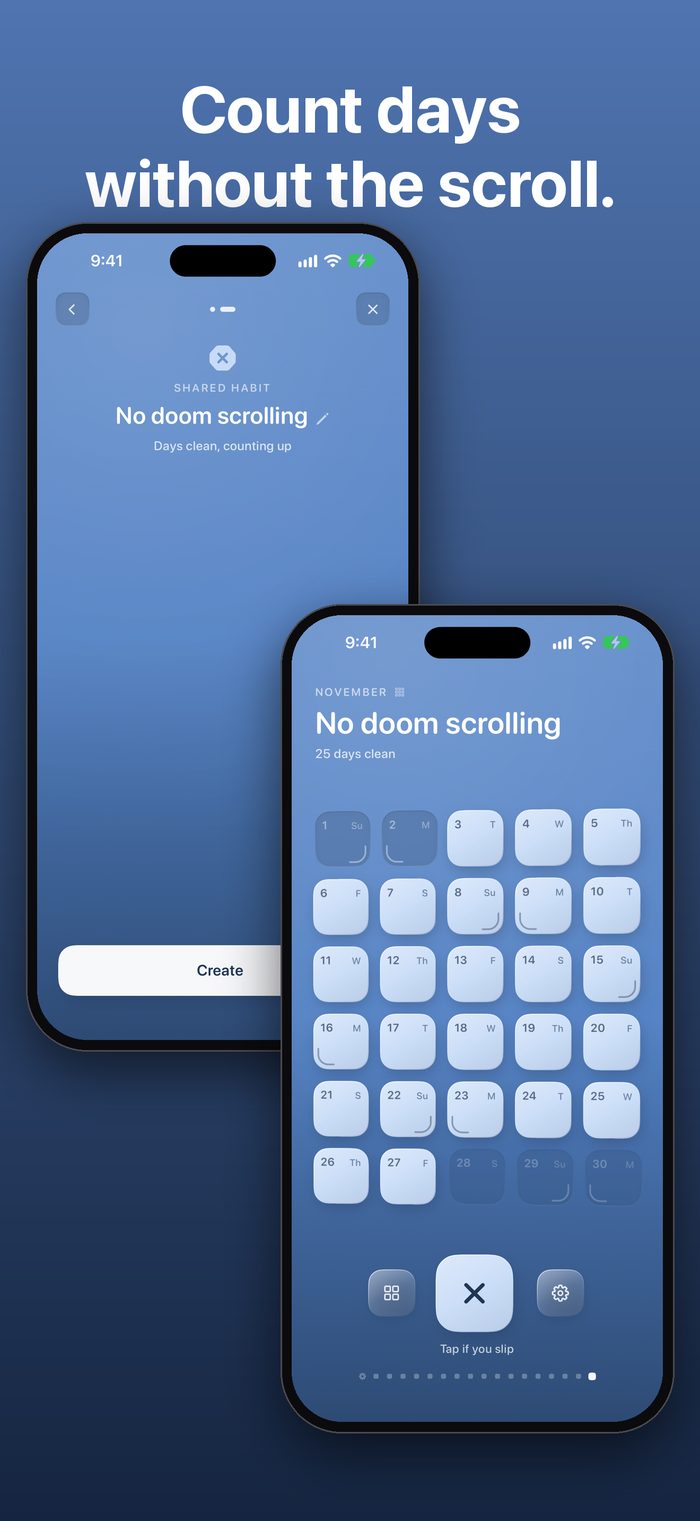
Daytiles can count your days without doom scrolling. There's nothing to check off. Every day counts as clean until you log a slip, so you only open the app when something went wrong, which is the point.
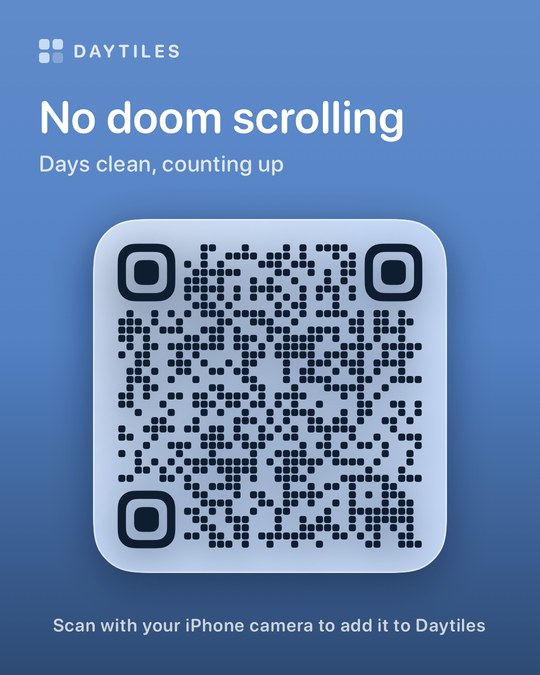
The quickest way is the code on this page. Scan it with your iPhone camera (or tap it on an iPhone) and Daytiles opens with No doom scrolling set up, ready to add.
- Tap + on home to make a new habit, then tap Make your own.
- For "What do you want to do?", type No doom scrolling.
- For "What's the goal?", choose Trying to quit.
- Pick a color you like.
- When it asks about reminders, tap No. Quit habits don't send any.
- Tap Create.
Its page says how many days clean you are, and each clean day lights a tile.
- If you slip, tap the button under the month (it says "Tap if you slip"), or tap the day it happened. The count starts again the next day. Tap again to take it back.
- Your record stays. Pinch in on the month to see your year: clean days, the share of days clean, and your longest clean run.
- Milestones get a moment. A week, two weeks, three weeks and 30 days each get a celebration, and so does a whole month.
- No more notifications. Quit habits don't send reminders, so Daytiles never gives you a reason to pick up the phone. Widgets and the Apple Watch show your count but never log a slip by accident.
Using the time for something better, like reading before bed? Add the ready-made Read habit next to it. Daytiles is free for up to three habits, and Pro makes room for as many as you like.
Sources
Updated November 3, 2026. Daytiles is made by Jason, one person. Tell me if something here is wrong.