 Daytiles
How to stop procrastinating
Most procrastination comes down to putting off a task that feels unpleasant or unclear. Make the start smaller and easier, and the rest tends to follow.
The short version
- Commit to two minutes. Starting is the hard part.
- Make the first step so small it's almost silly: open the file, write one line.
- Timebox it: 25 minutes on one thing, then a break.
- Put the phone in another room and close the tabs you don't need.
Daytiles keeps track of it for you, free on iPhone, iPad and Apple Watch. Get it on the App Store.
Why you put things off
Everyone procrastinates sometimes. In a large 2007 review of the research, Piers Steel at the University of Calgary found that the strongest links were with tasks that feel unpleasant, impulsiveness and being easily distracted, and with not believing you can do the task well. Things like rebelliousness and seeking thrills had only weak links.
That points to the fixes. Make the task feel smaller and less unpleasant, make it clear what to do first, and make the distractions harder to reach.
Commit to two minutes
The worst part of most tasks is the first few minutes. Once you've started, carrying on is much easier than starting was. So don't promise yourself the whole job. Promise two minutes.
- Say "I'll work on this for two minutes, then I can stop."
- Mean it. If you stop after two minutes, that's fine. You did start.
- Most of the time you'll keep going, because the dread was about starting.
It works best when you decide exactly when the two minutes happen. "At 9:00, when I sit down with my coffee, I'll open the report." Plans that say when and where you'll act are followed through more often than plain intentions. A 2006 review by Gollwitzer and Sheeran of 94 tests found a medium-to-large effect.
Make the first step tiny
"Write the report" is a project, and projects are easy to put off because it's not clear where to begin. Break off the first physical action and make it so small there's nothing to resist:
- Open the document and type the title.
- Find the email you need to answer and hit reply.
- Put the tax papers on the table.
- Write the three headings, nothing under them.
At the end of each session, write down the next tiny step. Tomorrow you start with something already decided.
Timebox it
Open-ended work feels endless. A fixed block with a clear end feels doable. Set a timer for 25 minutes, work on one thing only, then take a five-minute break. After three or four blocks, take a longer one.
- One task per block. If something else comes to mind, write it down and get back to work.
- If 25 minutes feels like too much, start with 10. The point is a block you'll actually begin.
- Stop when the timer ends, even mid-sentence. It makes the next block easier to start.
Get distractions out of reach
If the reward of checking your phone is one tap away, you'll check it. Add a few steps between you and the distraction:
- Put the phone in another room, or at least face down out of reach.
- Turn on a Focus on iPhone and Mac so notifications wait.
- Close every tab and app you don't need for this block.
- Work somewhere that's only for work, even if that's one end of the kitchen table.
Be kind to yourself after a bad day
Beating yourself up over a wasted afternoon makes the task feel even worse, which makes you put it off again. Notice what pulled you away, plan around it, and start tomorrow with two minutes. One good block a day adds up fast.
If putting things off is causing you real trouble at work, school or home, or you feel low or anxious most days, talk to your doctor or a therapist.
Set it up in Daytiles
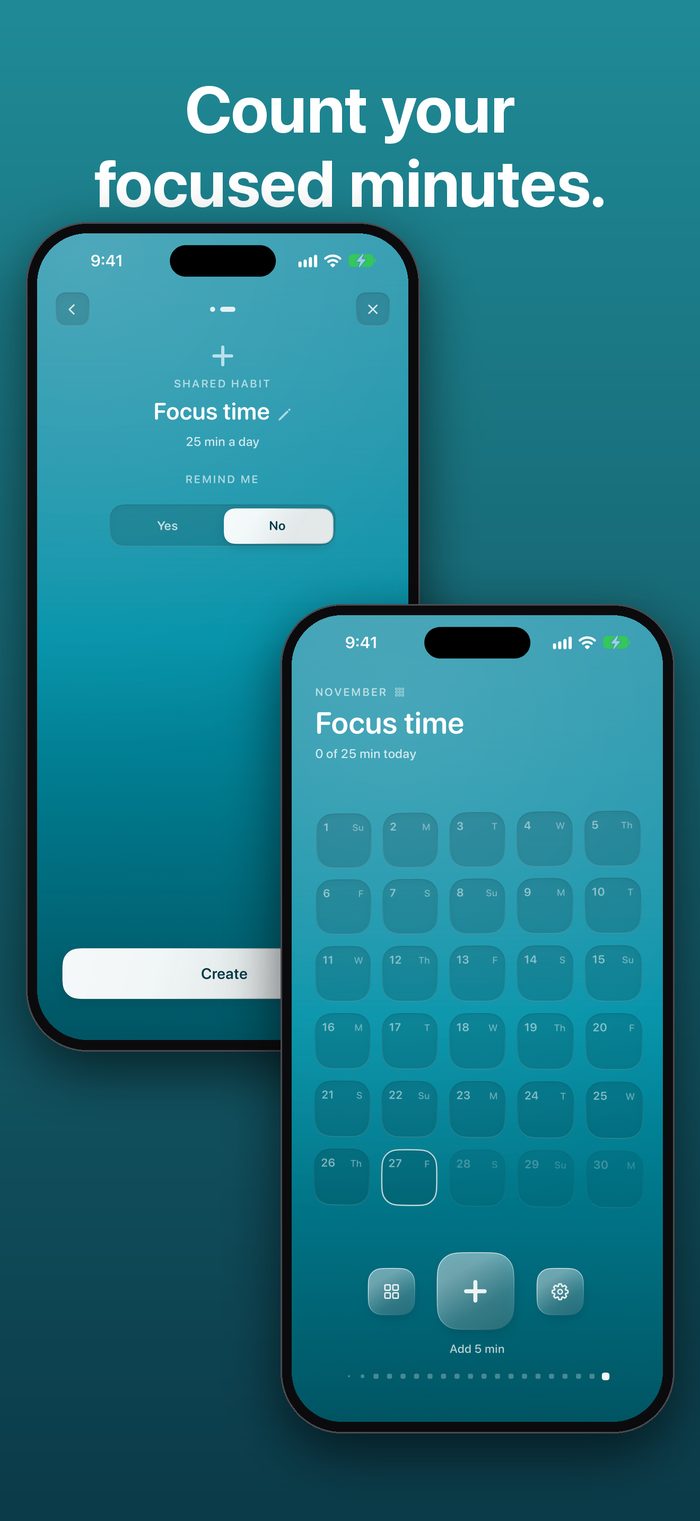
Track focused minutes rather than tasks finished. A goal of 25 minutes a day is one timeboxed block. Tap to add 5 minutes at a time, or let a timer count them for you.
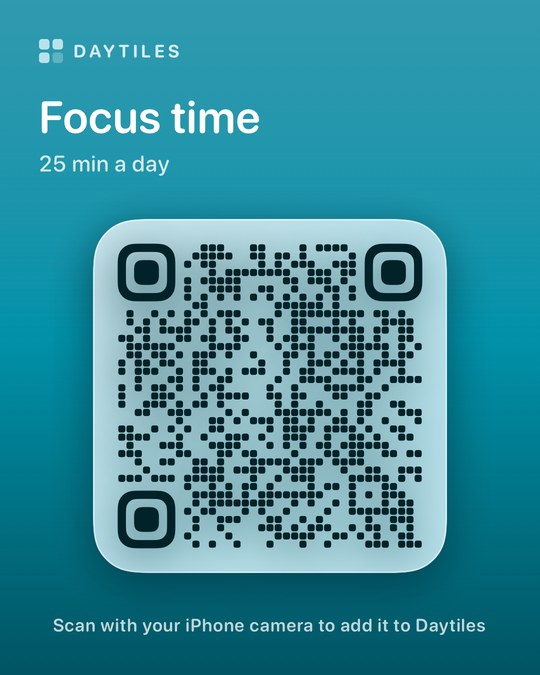
The quickest way is the code on this page. Scan it with your iPhone camera, or tap it on your iPhone, and Daytiles opens with the habit set up, ready to add.
- Tap + on home to make a new habit, then tap Make your own.
- For "What do you want to do?", type Focus time.
- For "What's the goal?", choose A total number.
- For "What are you adding up?", tap min.
- Pick a color you like.
- When it asks about reminders, tap No. You can add one later in the habit's settings.
- Tap Create. Then tap the gear on its page and set DAILY GOAL to 25 and EACH TAP to 5.
Each day's tile fills as you add minutes and is done at 25. Tap + to add 5 minutes, or touch and hold it for a keypad to type exactly how long you worked.
Use the timer. Tap the gear on the habit's page and turn TIMER on Pro. The + becomes start and stop, and the page counts down with time done and time to go. A Live Activity counts down on your Lock Screen and in the Dynamic Island, so you can put the phone face down and out of reach. When you stop, the minutes are logged, and a notification tells you when you've reached 25.
- Start it without opening the app. Add the Habit timer control to Control Center Pro, so starting a block is one swipe and one tap, with no chance to wander into another app.
- More than one block? Keep going past 25. The tile is full at your goal, and the extra minutes still count.
- A nudge to start. Add a reminder at the time you mean to begin Pro. It won't come on a day you've already done your 25.
- Days off. On a day you can't work, touch and hold + and tap Skip day. Skipped days don't break your streak.
- Celebrations. Finishing a day, a week in a row and a whole month each get a moment of their own.
Daytiles is free for up to three habits, and Pro makes room for as many as you like.
Sources
Updated November 3, 2026. Daytiles is made by Jason, one person. Tell me if something here is wrong.