 Daytiles
How to wake up early
Waking up early is easy for a day and hard for a month. The trick is to move your bedtime with it, so you still get enough sleep. Here's how to shift your schedule and keep it.
The short version
- Move your bedtime first. Earlier up without earlier to bed just means less sleep.
- Shift 15 minutes every few days, not an hour overnight.
- Get daylight soon after you get up.
- Keep the same wake time on weekends.
Daytiles keeps track of it for you, free on iPhone, iPad and Apple Watch. Get it on the App Store.
Move your bedtime first
Most people who try to wake up early set the alarm an hour earlier and keep going to bed at the same time. That works for two days, then they're exhausted and give up. Getting up earlier only lasts if you go to sleep earlier too.
The American Academy of Sleep Medicine and the Sleep Research Society say adults need seven or more hours of sleep a night, and that six or fewer isn't enough for health and safety. So work back from the time you want to get up:
- Up at 6:00 means asleep by 11:00 at the latest for seven hours, and by 10:00 for eight.
- Add a little time to fall asleep.
- Add a short wind-down before that, about 30 minutes with screens off.
If that bedtime looks impossible with how your evenings go now, that's the part to fix. The alarm is the easy bit.
Shift 15 minutes at a time
Your body clock moves slowly. Jumping an hour or two overnight feels like jet lag. Moving in small steps lets it keep up.
- Set your alarm 15 minutes earlier, and go to bed 15 minutes earlier the same night.
- Stay at each step for a few days, until it feels normal.
- Then move another 15 minutes. Going from 7:30 to 6:30 takes a couple of weeks this way, and it sticks.
The Sleep Foundation recommends small, step-by-step changes when you shift your sleep times.
Get light in the morning, keep evenings dim
Light is the strongest signal your body clock has. Bright light in the morning tells it the day has started, which makes you sleepy earlier in the evening. Bright light late at night does the opposite and holds back melatonin, the hormone that makes you sleepy.
- Open the curtains as soon as you're up, or step outside for a few minutes. Daylight is much brighter than the lights indoors.
- Have breakfast by a window.
- In the evening, dim the lights and put the phone away. The CDC suggests turning devices off at least 30 minutes before bed.
Keep the same time on weekends
This is the one people skip, and it's why Monday mornings are so hard. Sleeping in three hours on Saturday and Sunday shifts your body clock later, and you start the week as if you'd flown west. The Sleep Foundation's advice is to wake at the same time on weekdays and weekends. The CDC also says to go to bed and get up at the same time each day.
If you really need the extra rest, an hour later is a fair compromise. An early night on Friday is better than a late morning on Saturday.
Make getting up easier
- Put the alarm across the room. You have to stand up to turn it off, and once you're up you're more likely to stay up.
- Skip the snooze. Set the alarm for when you need to get up. Getting up at the first alarm gets easier once it's the rule.
- Have a reason. Early mornings stick when there's something you want in them: a quiet coffee, a run, reading before everyone wakes. Plan that morning routine so the first few minutes are easy.
- Watch the caffeine. Coffee late in the day can keep you up and wreck the next early start. The CDC suggests avoiding it in the afternoon and evening.
If you sleep seven or more hours and still wake up tired, snore loudly, or doze off in the day, talk to your doctor. It may be a sleep problem that can be treated.
Set it up in Daytiles
Make a habit for getting up at your time, and check it off when you're up. There's no reminder, because the alarm is your reminder.
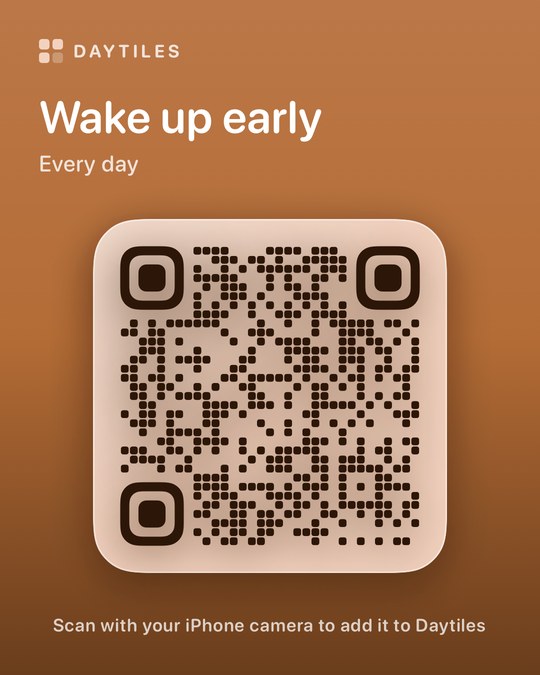
The quickest way is the code on this page. Scan it with your iPhone camera, or tap it on your iPhone, and Daytiles opens with the habit set up, ready to add.
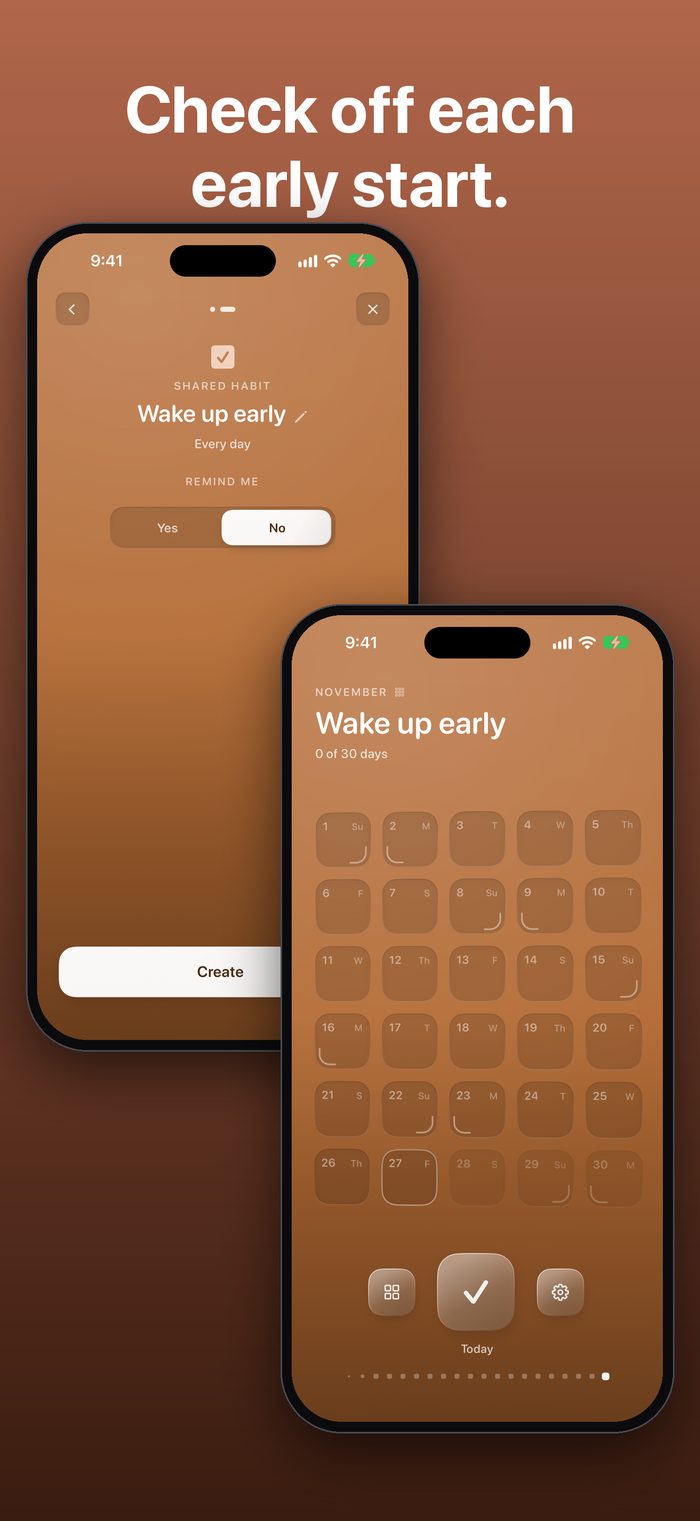
- Tap + on home to make a new habit, then tap Make your own.
- For "What do you want to do?", type Wake up early.
- For "What's the goal?", choose Once per day.
- For "Which days?", choose Every day.
- Pick a color you like.
- When it asks about reminders, tap No.
- Tap Create.
Decide what counts, like out of bed by 6:30, and tap the big button under the month when you make it. Each early morning lights a tile, and you can see at a glance which days slipped.
- No reminder by default. A reminder after you should be up isn't much use. If your morning or evening reminder in Settings is set to All, it covers this habit too; set it to Choose to leave this one out.
- Check it off fast. Add the Today widget to your Home Screen or a Daytiles widget to your Lock Screen, and tap the habit there as you turn off the alarm. On Apple Watch, tap its tile (it needs iCloud sync on in Daytiles Settings).
- Weekends count. The habit asks for every day on purpose. If you'd rather only track workdays, tap the gear and change the schedule to Weekdays, and the weekend never counts against you.
- Ill or on holiday? Touch and hold today's button to skip today, or in Settings tap Pause. Skipped and paused days don't break your streak.
- See the shift. Pinch in on the month to see your year: days done, the share of days and your best run.
Add a Bedtime routine habit too, since an early start depends on an early night. Daytiles is free for up to three habits, and Pro makes room for as many as you like.
Sources
Updated November 3, 2026. Daytiles is made by Jason, one person. Tell me if something here is wrong.